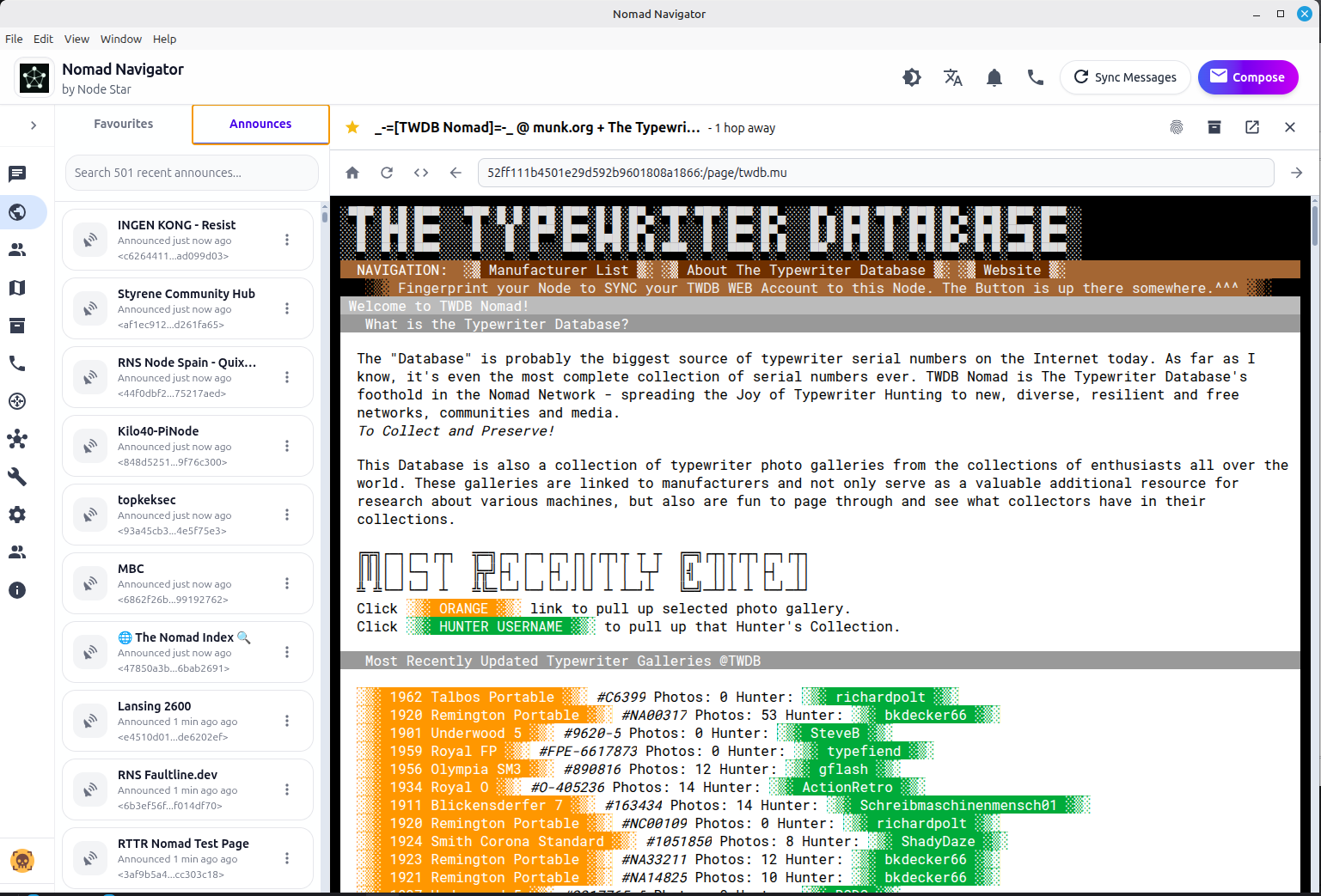
 Yum yum – there’s nothing I like better than confronting an ambiguous task that has extremely primitive mechanical limitations with a mix of rusty tools I barely remember how to use and shiny new tools I only sort of comprehend. Hours running into weeks at the keyboard laser-focused between my text editor and a browser, building a thing that I only have sort of dreamt in my head. Bring on the steaming plates piled with that stuff, waiter, and a couple shots of Vodka to numb my throat, a’cuz I’m’a gonna be shoving it down the chute fast & hard. That’s what this whole TWDB Nomad Project is to me. Well, that and the desire to spread the Joy of Typewriter Hunting to new, diverse, resilient and free networks, communities and media.
 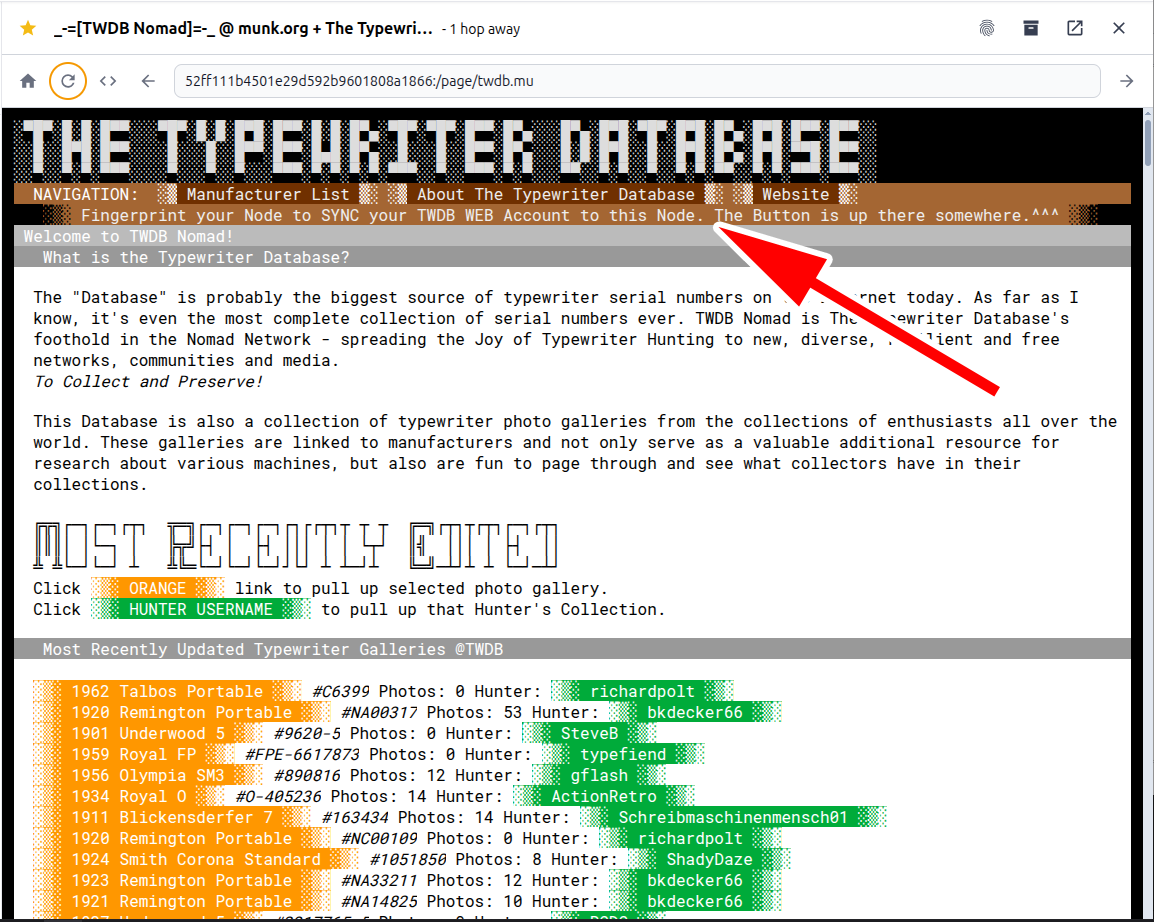 The past few days I’ve implemented the TWDB Nomad to TWDB Web Passwordless Account Synchronization function pretty much exactly as described in this sketch:
 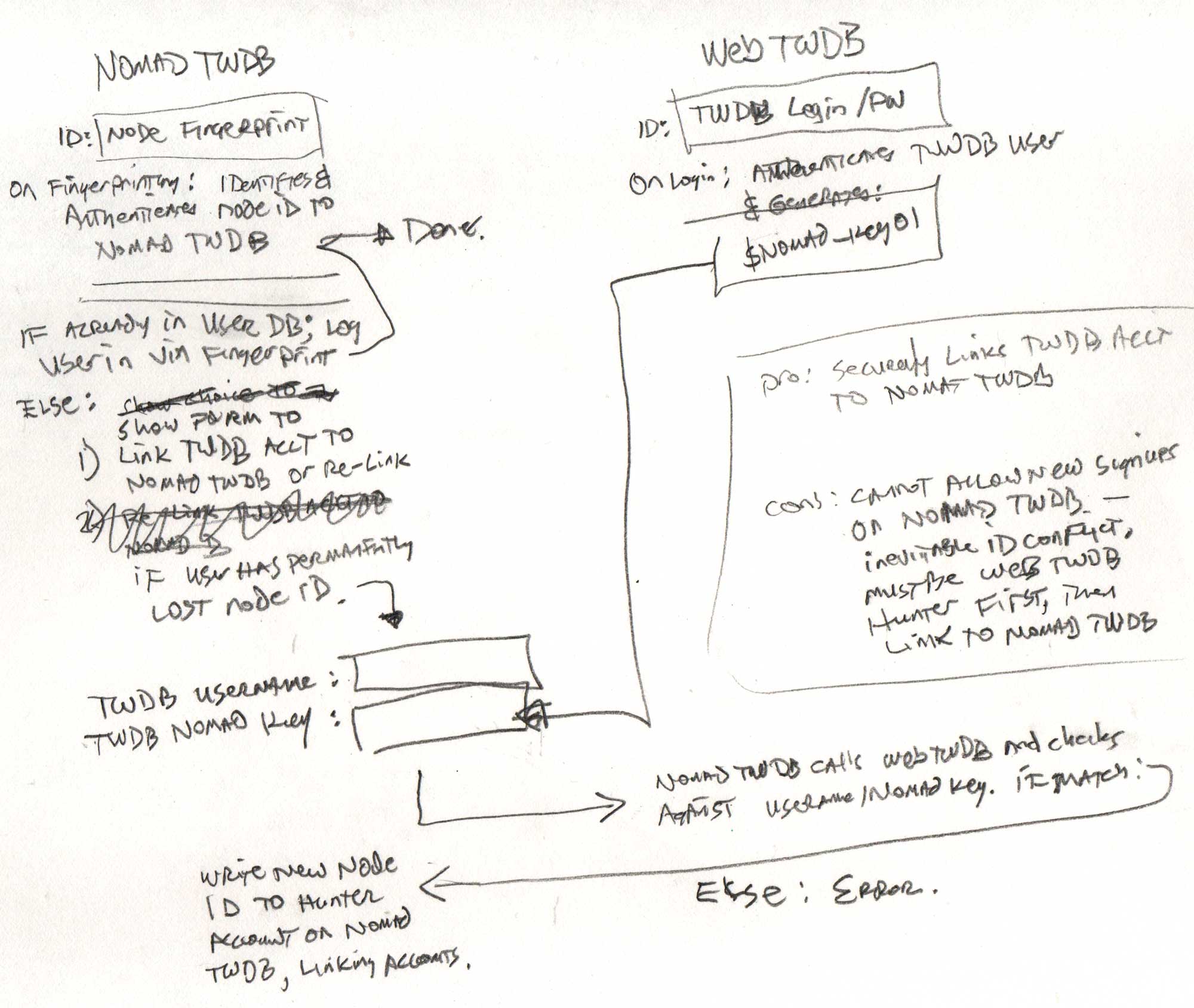 so that you can log in to your TWDB Web account and grab a temporary TWDB Nomad Key (a randomly-generated hash of 32 characters) that you can copy to an authentication form on TWDB Nomad to synchronize your Browser Fingerprint to your TWDB Account. I *could* make this even more secure by instead of showing the Nomad Key on your TWDB user page, it would show a button to send your Nomad Key to you to the email associated with your TWDB account, which would be 3-factor Authentication, because someone would need to know the TWDB user’s username, password, and be able to access their email account before they’d be able to authenticate a Nomad Network node ID to the TWDB account, when TWDB Nomad itself never needs and doesn’t know the password or email address. It’s an extra step, though, and I’m happy with 2-factor for now.
You can now sync your account to your browser if you would like to try it: 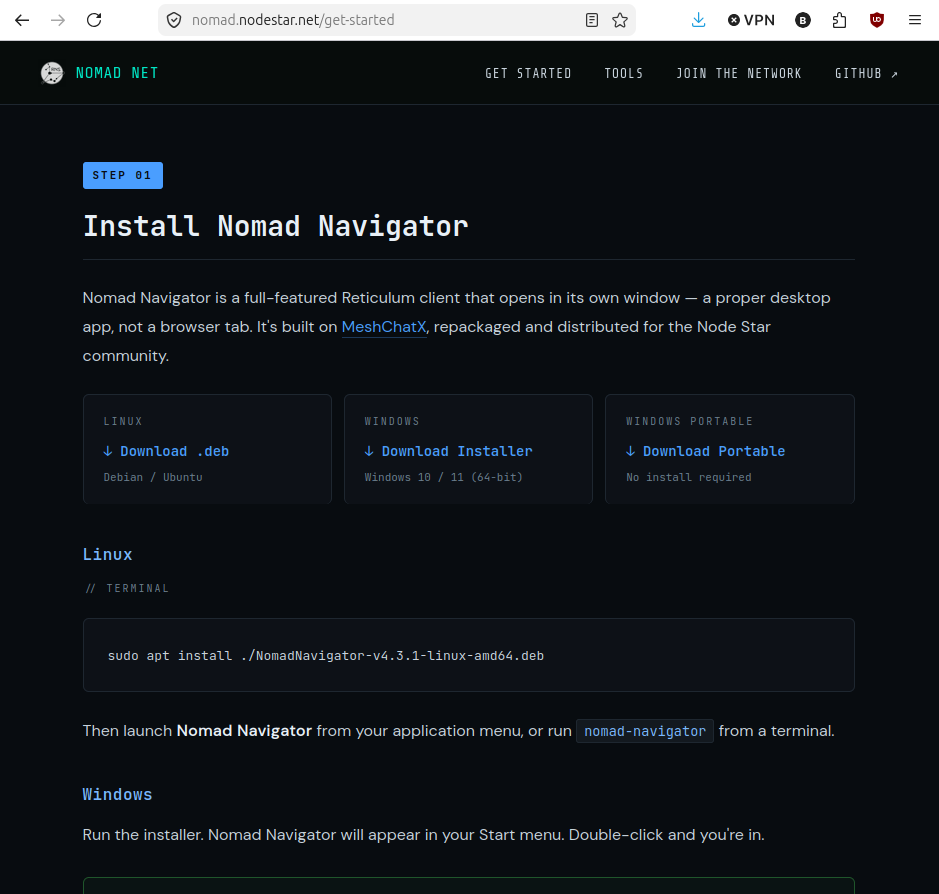 Go grab a copy of Nomad Navigator (scroll down, this page explains the whole deal very well, but the download links are down the page a bit). This is a Nomad Network browser, encrypted LXMF messaging, voice calls (LXST), a Micron page editor, file transfers, interface discovery (auto-detect radios, TCP peers, and more), multiple identity management, offline maps, page archiving, built-in Reticulum documentation, and more built into one app. Windows and Linux only, so far, but this is all pretty new, so improvements are happening fast. Once you install and launch, go to the browser tab and go to this Address: 52ff111b4501e29d592b9601808a1866 – Come and visit, take a look around, sync your TWDB account to your Nomad Navigator and make TWDB Nomad your first “Favorite” node! Then go to your “Conversations” tab and send a message to: 67603106f2b058cd8ae631c4ff4e4726 to let us know you came by.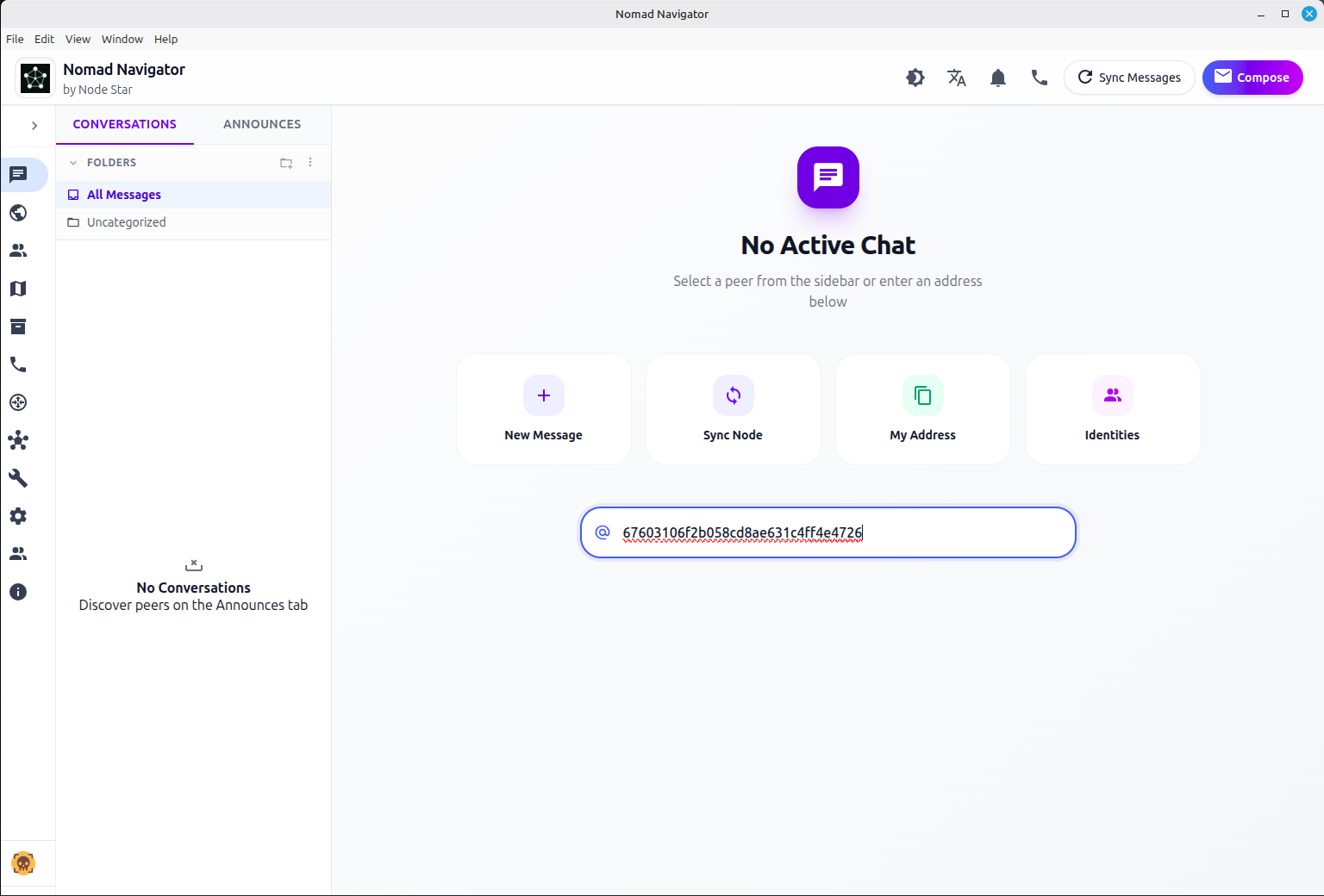
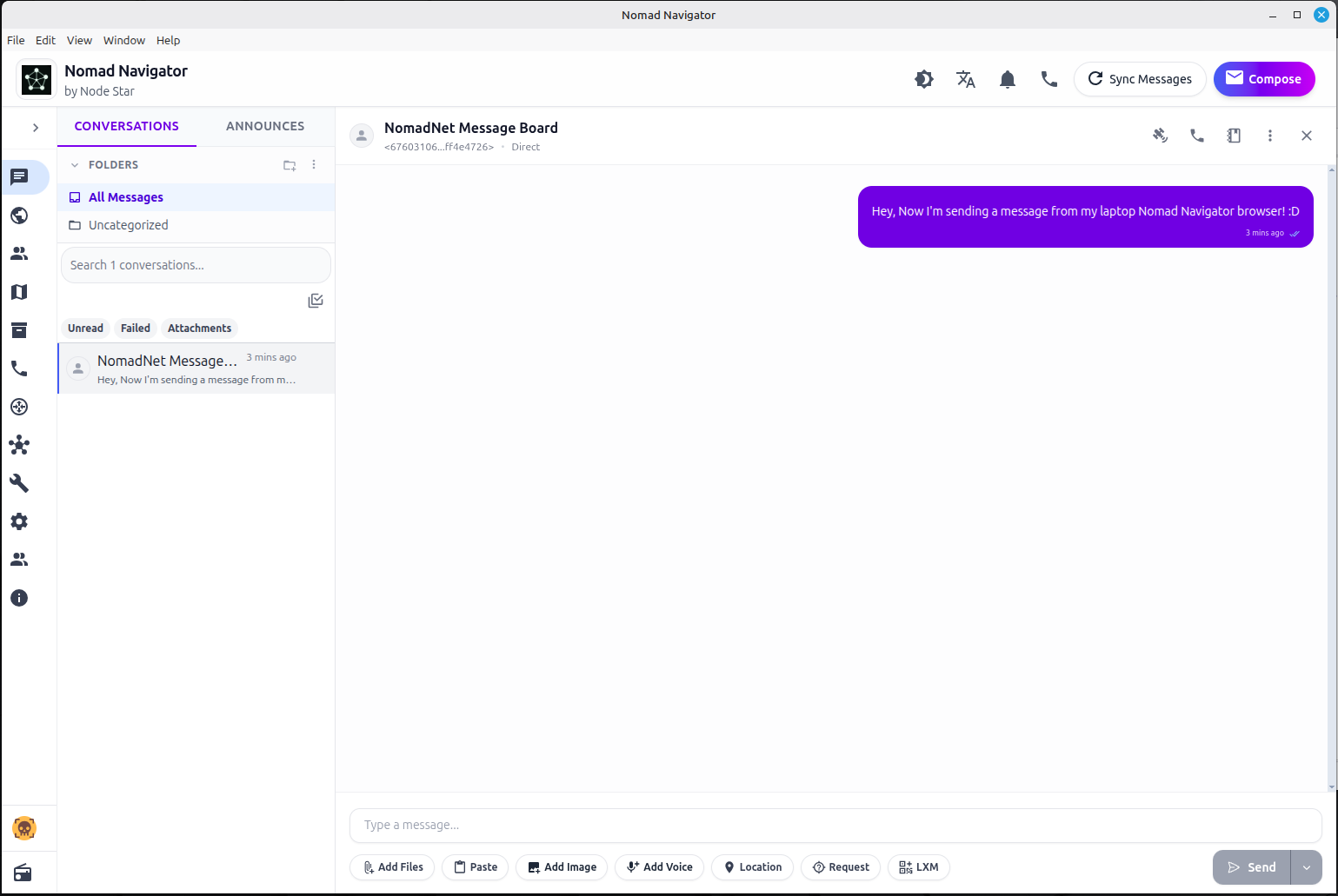 Messages sent to that address appear on this Message Board:
 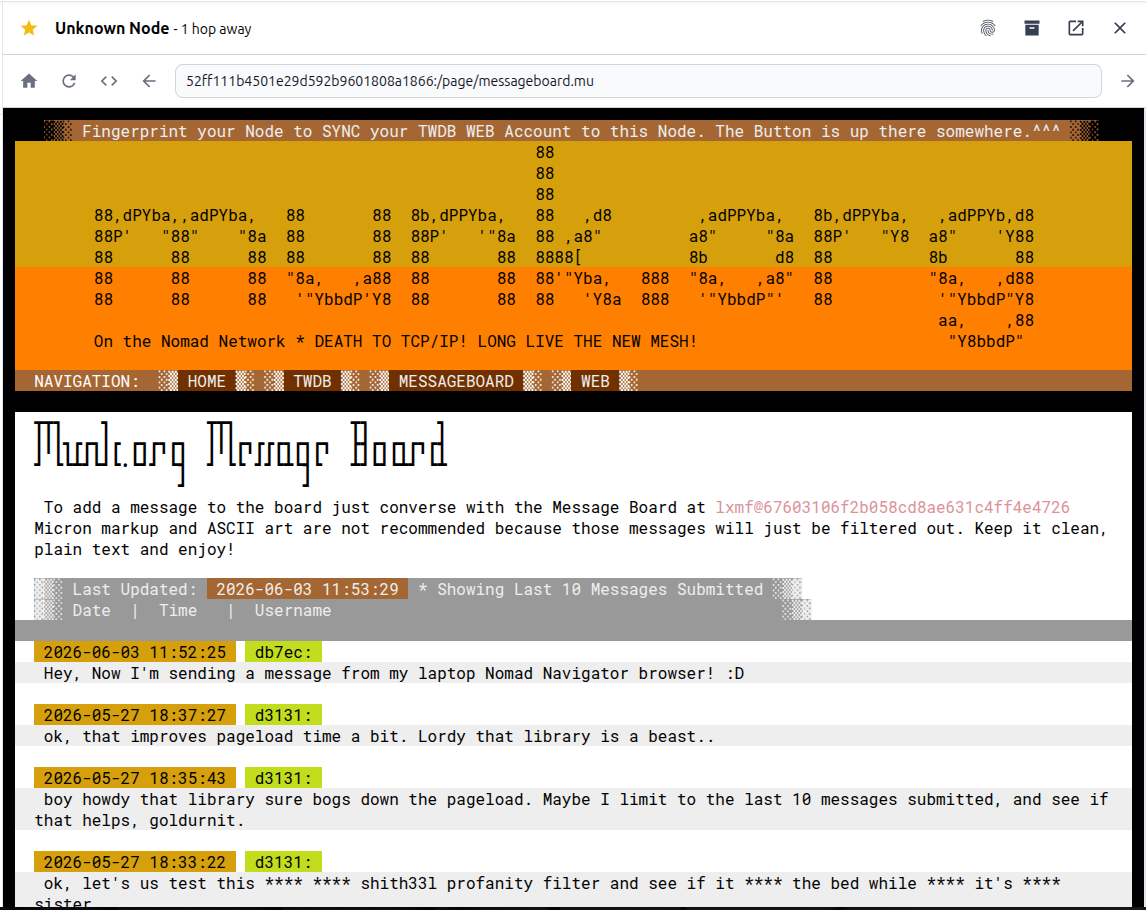 Which I’m still noodling over. It’s the “messageboard” Python script that comes with the NomadNet package as an example app for dealing with LXFM messages programmatically, and I need to dig into it more to see if I can link the LXFM identities to the synchronized TWDB User database. That’s a later project.
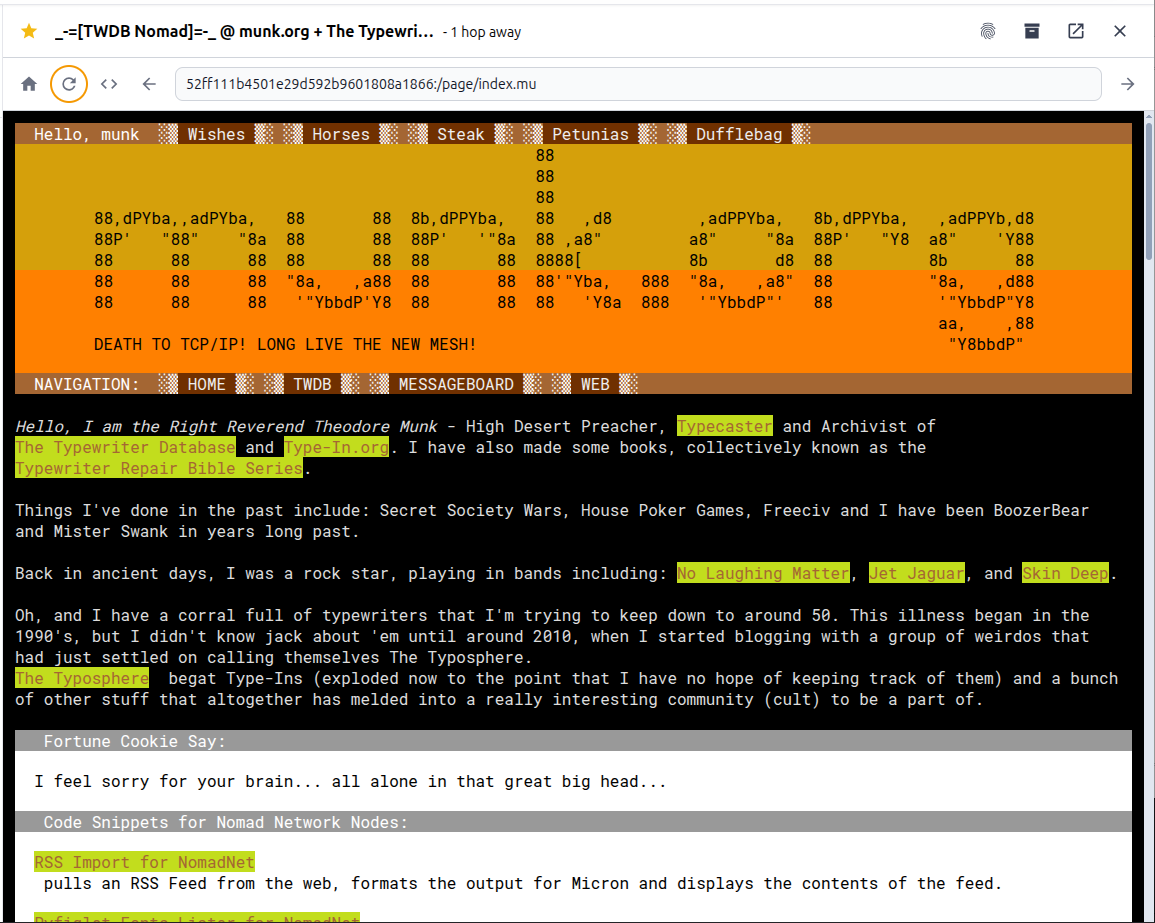 Also, I polished up the layout of the whole shebang a bit. Getting better at monospaced ASCII layout, knocking the rust off the old tools and grappling with the new ones, dealing with the limitations and working around them creatively. No sessions management or persistent association of user preference flags to a browser fingerprint? Roll your own in Python/SQLite!
My way is to envision a goal and slam my head against the brick walls that separate me from that goal until the walls are crumbling dust.
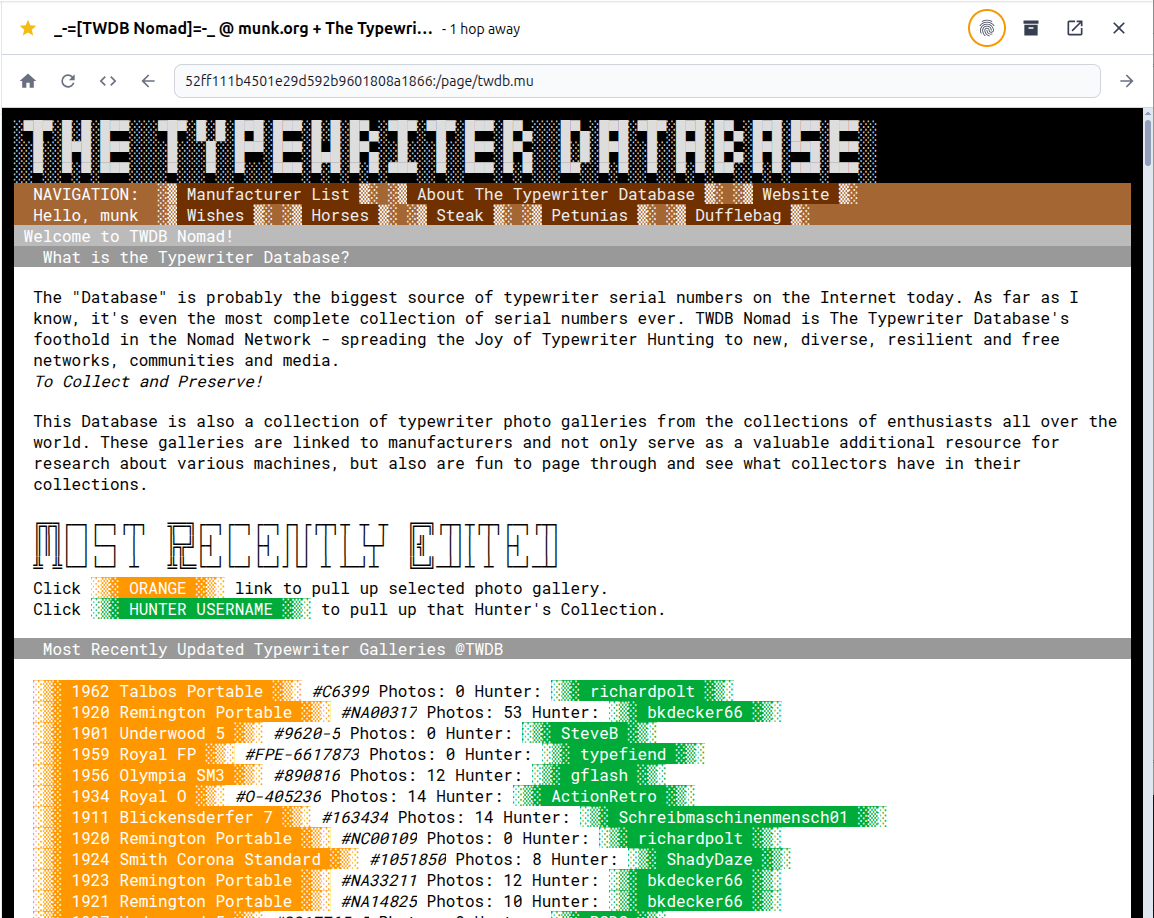
Anyway, back to the Synchronization implementation. When you synchronize now, it works great (so far in my tests, I’m still working on it, so it may break intermittently as I’m dinking with the code) and you get a nice personalized menu bar when synced up that gives you some extra options. Curious what they are? Try them out! :D 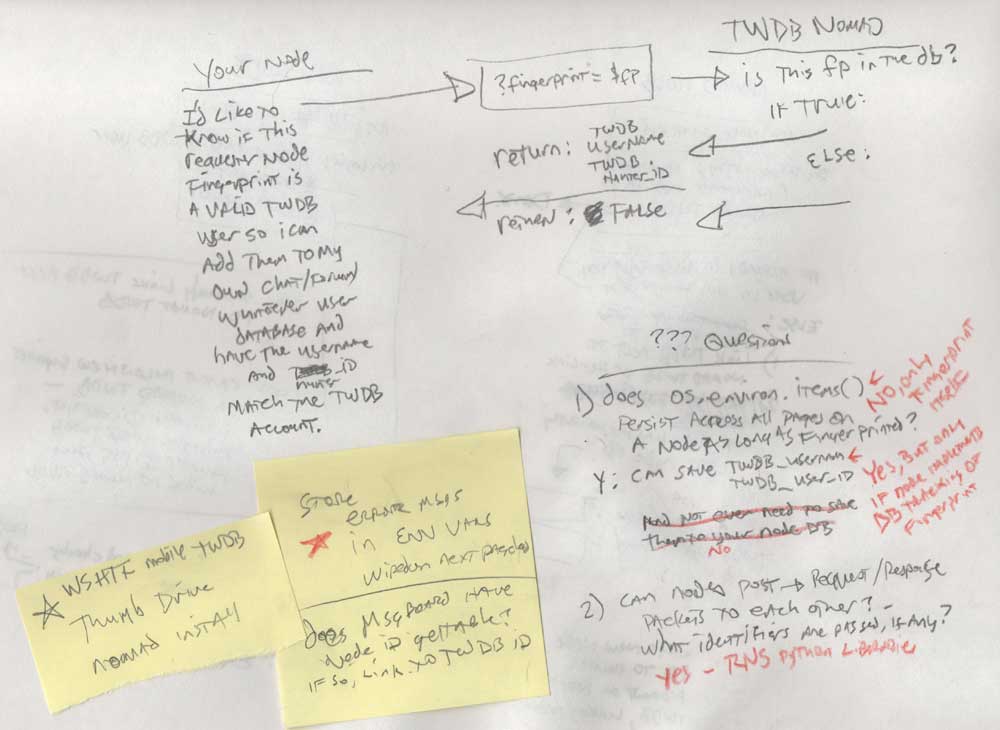 Oh, and I also have sketched out a function to allow Typewriter Hunters with their own Nomad Net Server Nodes to query TWDB Nomad to see if a given browser fingerprint is a valid TWDB Member, also passwordlessly, and in fact without needing to input the TWDB Nomad Key. TWDB Nomad will authenticate users against TWDB Web, and other Nodes would then be able to authenticate a visitor as a valid TWDB user (if the user fingerprints to them, otherwise, the user is anonymous) and give them access to whatever features on their own Nomad Network Node site that they care to build. That’s a later project too – assuming TWDB Nomad gets some traction and there are some Node operating Typewriter Hunters that wish to make fun things on their own nodes for Typewriter Hunters to try.
  Report complete, Archivist out for another hungry coding session…
As soon as I get some spare time I need to check all that out. Interesting.
Right now though I need to finish painting and get to Field Day prep.
Sounds like Field Day is going to be fun. Get a little recording of what you guys do. (:
Uncertain if I’ll go to the club site or participate from home like usual. I like QRP (5 watts or less RF power). I don’t do anything fancy. I can’t have a real antenna so I operate portable all the time.
Maybe a short video.
I hope I understand this correctly: if and when the internet crashes, we’ll still be able to pursue our typewriter interests on an alternative to the internet that may allow connections with fellow hobbyists on the same system. If correct, I’m reminded of a time way back when: I brought a manual portable typewriter to my Navy vessel’s pre-commissioning unit in a time when computers were the norm. I joked that in a disaster I’d be the only person with the ability to issue a naval memo. My typewriter enthusiasts thrive, no matter what!
Yup, that’s *exactly* what it is. And it’s *VIRGIN TERRITORY*! :D
to quote from a recent film “EXCITE! EXCITE! EXCITE!”
It’s kind-of like the original internet. Text without all the imaging and overburden.
And with the server going out a month ago this is especially useful.