“Dostoevsky described hell as perhaps nothing more than a room with a chair in it. This room has several chairs.”
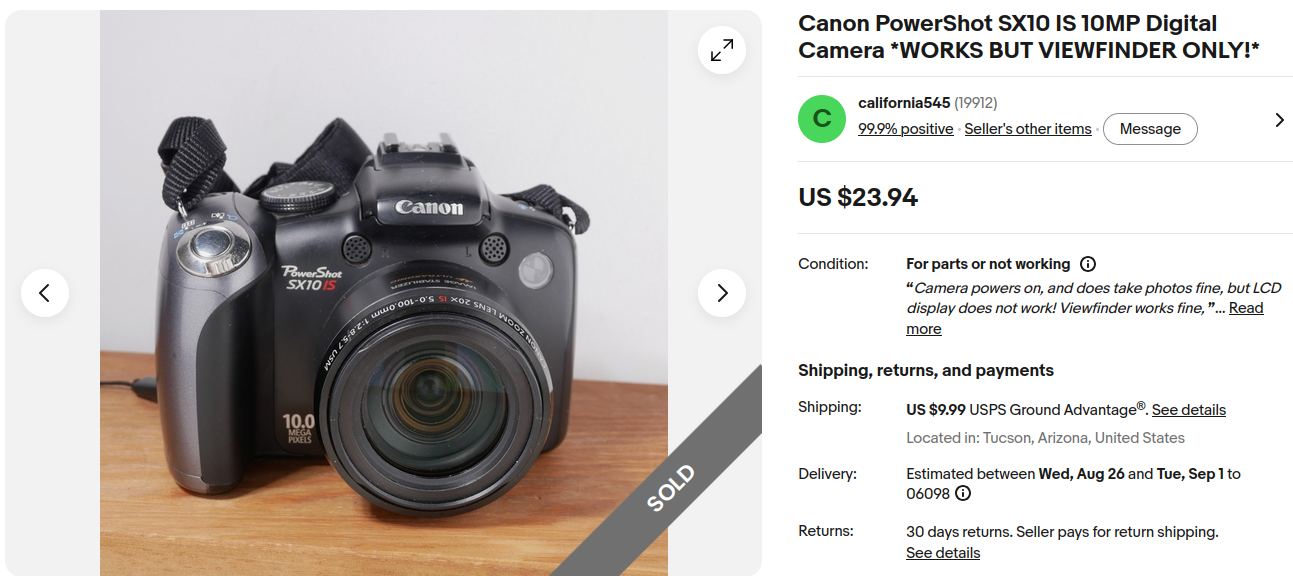 Canon Hack Development Kit (CHDK)for Canon Powershot SX10 IS
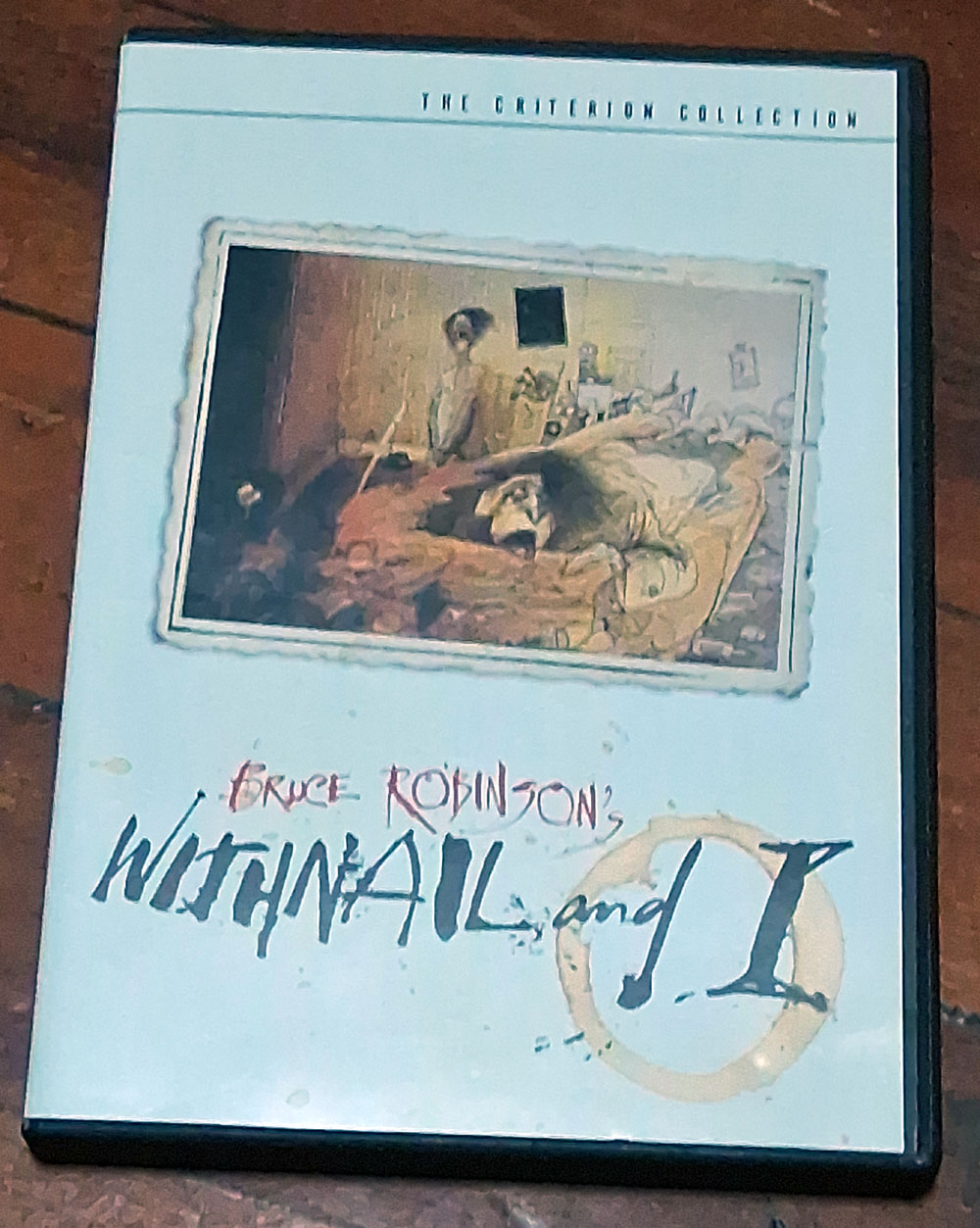 God, can’t even take a good pic of a DVD box with this stupid cell camera…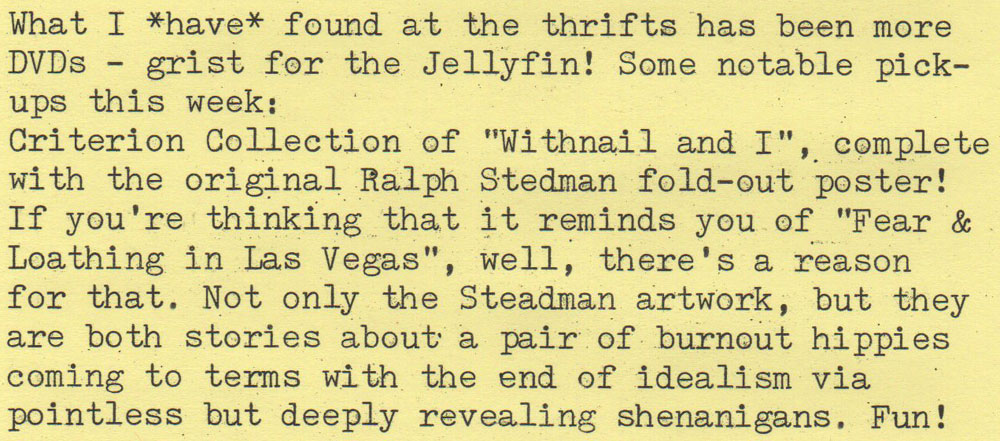
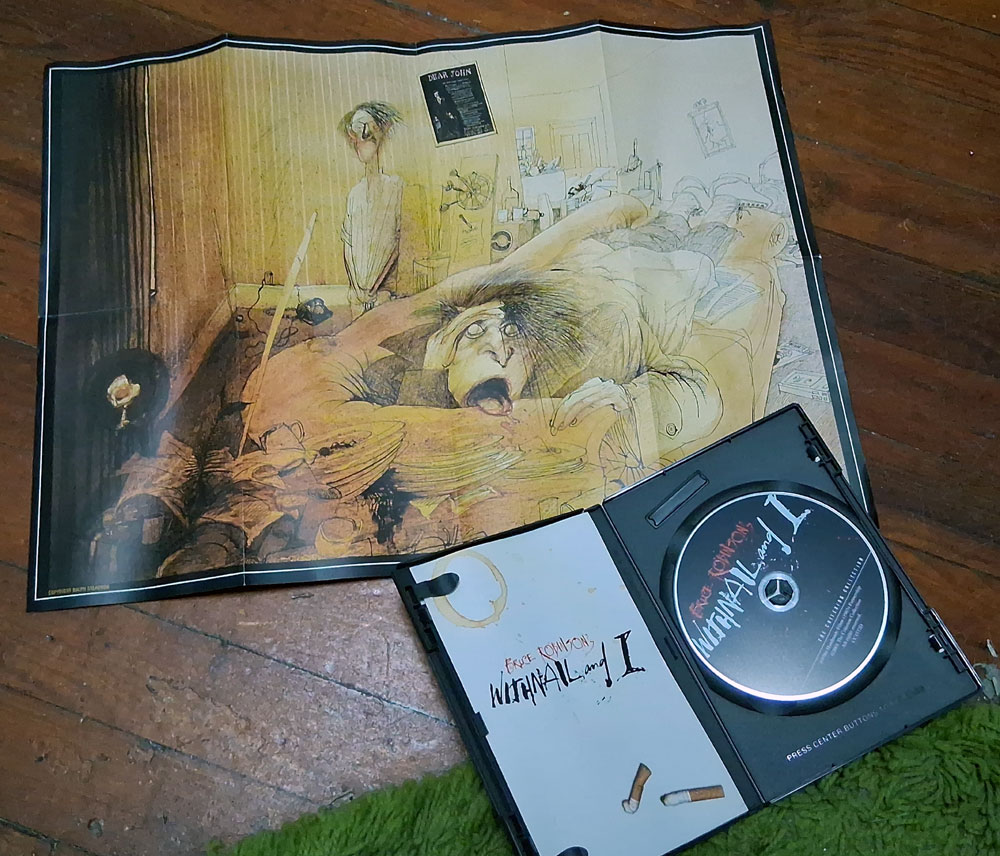

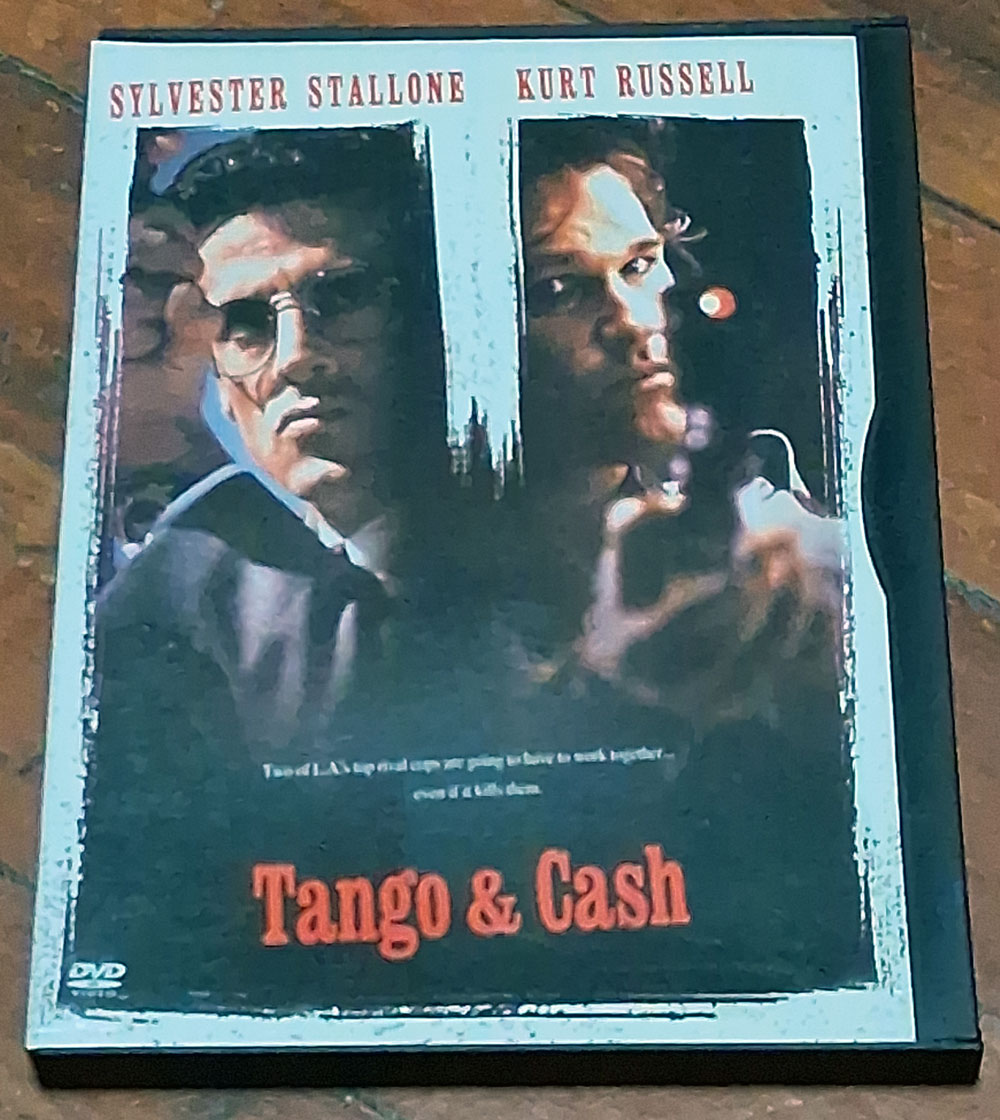

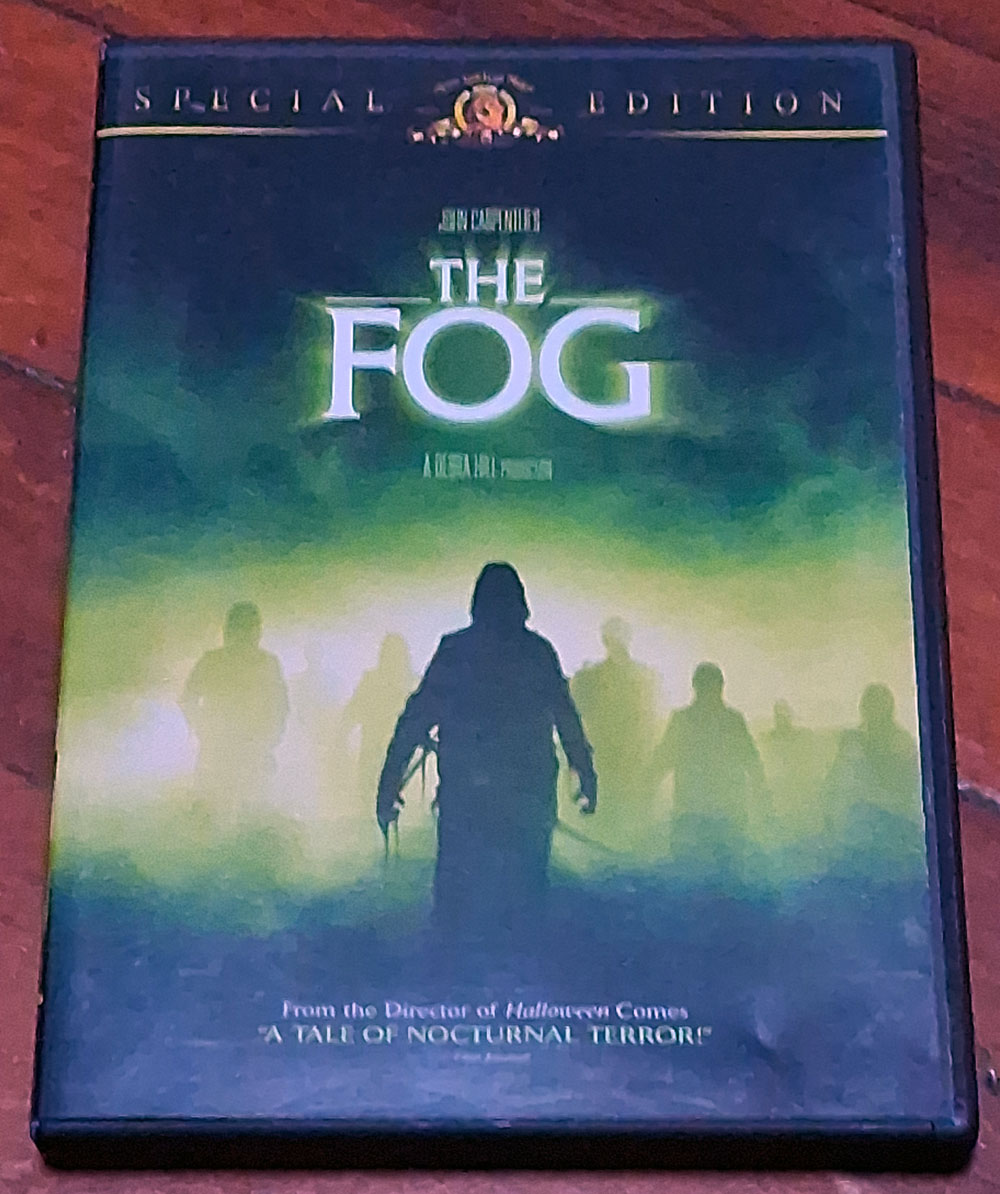
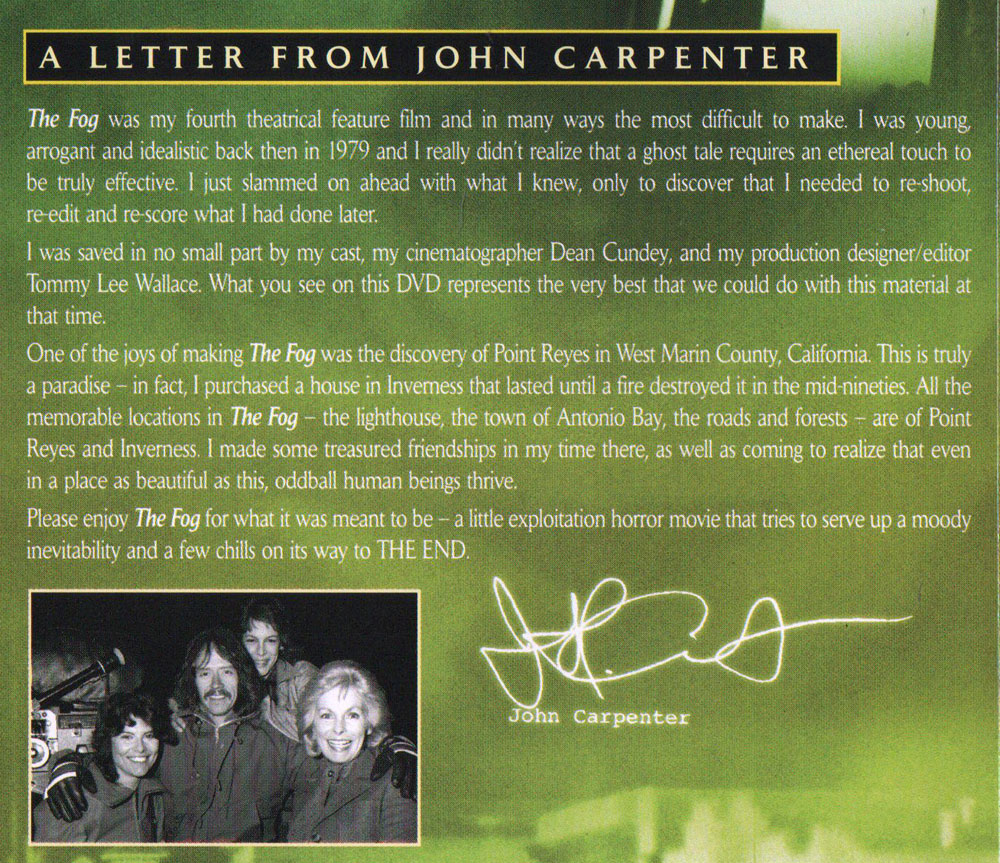
Oh! I love my cell phone cameras. They are electronic Kodak Instamatics, even the silly iPhone camera. I did like my LG G5. It was the nicest phone and had a camera that I could control and work with as some of my blog images were done with that camera.
I fully understand frustration with a cell phone camera. I very seldom use mine although my Motorola does have some controls and settings not even available on any iPhone.
Congratulations on the nice Canon.
Just remember that the best camera to use is the one you have with you. So… Sometimes you just have to accept that you use what you can and make do.
That only works if you want to take the photo bad enough that you’re willing to unlock the phone and navigate to the photo app, then wave around what is basically your wallet in public. I’m not.
I’m thinking of trying the Jellyfin experience. I assume you’re using a NAS small storage server. Any recommendations. I want to get it to work with my Mac TV.
heh, can’t afford a NAS at current HD prices. I bought a bunch of server-pull refurb 2TB drives a couple years ago when they were cheap, and just run them straight, unmirrored. The Jellyfin currently takes 4TB, and anytime I do a large ingest of new films, I run a full backup on a series of other bare drives. I’ve got the installed 2 drives, plus 4 backup drives that get rotated for each backup. So basically the main drives, plus 2 sets of dated backups, rotating.
I’m actually building a new Jellyfin on a small form-factor HP EliteDesk 800 G2 (7th-gen intel corporate trade-in, you can find them on ebay for like $100 or less), and will be dropping the current drives into a 4-Bay USB drive cage, primarily because it’ll use about a tenth of the power of the full-size desktop I use now. This will be my 6th iteration, as I swap out hardware to improve the system. The first one I built as a test on an old Celeron laptop with a 300gb drive, so you can experiment on just about anything and upgrade as you gain experience with it and grow your collection.
So far as watching on client TVs, iPads and such – there are “client” programs for different TVs and devices that you can install on the TV. For macs: https://www.jellytv.app/en
Thanks—that’s extremely helpful. I think I’m beginning to understand it. Instead of an expensive NAS with mirrored drives, you’re running the two main drives directly and protecting the collection by rotating between two complete, dated backup sets. That sounds like a very practical way to do it, especially since you already had the inexpensive server-pull drives.
The little EliteDesk setup is particularly interesting. Cutting the power consumption to about a tenth while keeping the storage in a separate four-bay USB enclosure seems like a very clever upgrade. I also hadn’t realized Jellyfin could be started on practically any old computer and then expanded as the collection grows. That makes experimenting with it seem much less intimidating.
Thanks also for the JellyTV link. I may try setting up a small test version on something I already own before spending money on dedicated hardware.
Yep, you can start with just about anything. Just install your favorite Linux distro fresh (I like Mint), then install Jellyfin and Handbrake, get the Jellyfin server running on the local network (don’t tunnel it through your ISP’s firewall – the basic install will serve your movies to anything connected to your LAN in the house without exposing it to the wider internet).
Then you can test it out by ripping a dozen or so DVDs and setting up your TV/ipad clients. Any computer on your network will be able to use the web interface to view movies or even administer the server (when logged in as admin user).
If you’re using older hardware (which I do), be sure you’re ripping DVD’s as h.264 MP4 files, to save space and so that the server doesn’t have to transcode from a higher-resolution format while streaming. Handbrake does this by default.
Hi Ted,
I am a Data Engineer from London, and while working on a niche passion project I have spent a lot of time looking through TWDB.
My idea is to train a Neural Network to determine whether two typed pages came from the same physical typewriter. I would do this the same way it is done by document examiners, individual typebar alignment and damage.
As far as I can see the FBI’s typewriter file only ever did make and model, individual attribution has never been automated, partially because the field moved on to printers before anyone tried. TWDB is the only existing corpus that could support a project like this.
Two things I would love your view on if you are interested:
The archive doesn’t currently capture the same machine typing the same text on two separate occasions, which is exactly the pair the model needs. If collectors were up for it that pair could become a standing TWDB submission type potentially?
Secondly the specimen images belong to the hunters, not to you or me, so I wouldn’t redistribute them. I’d publish the derived data (character crops, measurements, feature vectors) openly and credited, hosted on TWDB if you’d want. Curious whether you see derived measurements differently from the photos themselves?
Happy to take this to email if easier.
Kind regards,
Michael
Hmmn, The klankers are asking instead of flooding my connections with mindless queries and making me IP Pool ban them? That’s quite refreshing :D
That’s a very interesting question, tinged with the dangers of Big Brothering our sweet little community of hardware and history collectors into a database rooted in Identification of individuals for “enforcement”. Such a question should be public, I think. Perhaps we should ask the users? I am certainly far too paranoid a crank to be trusted with such a decision alone. (: