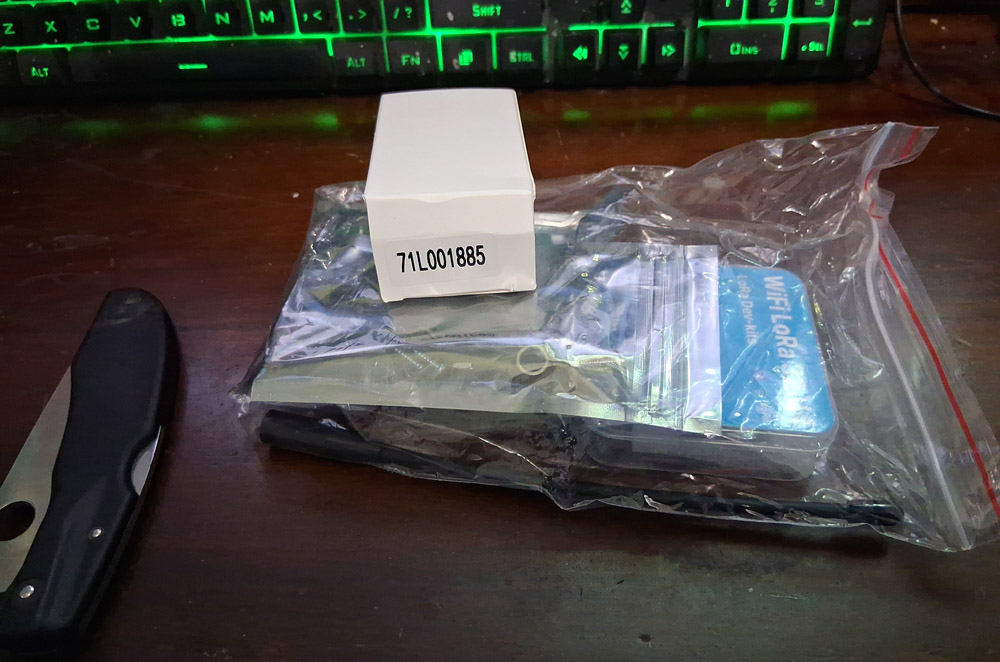
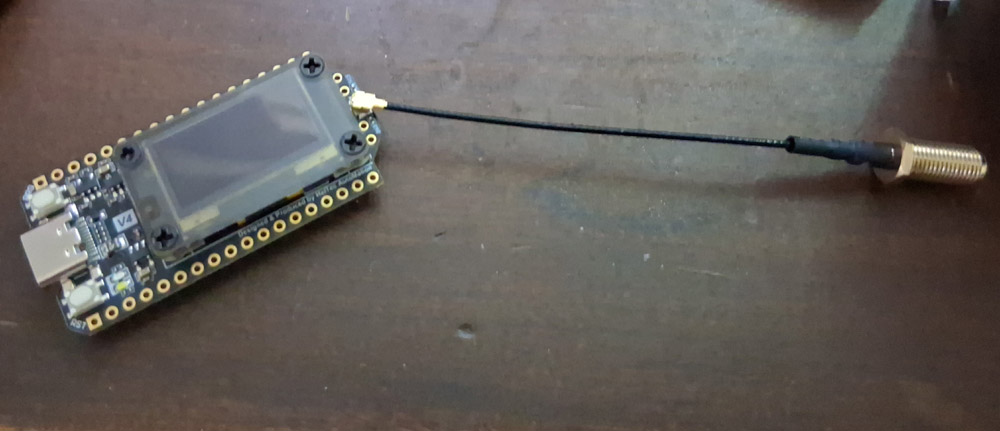
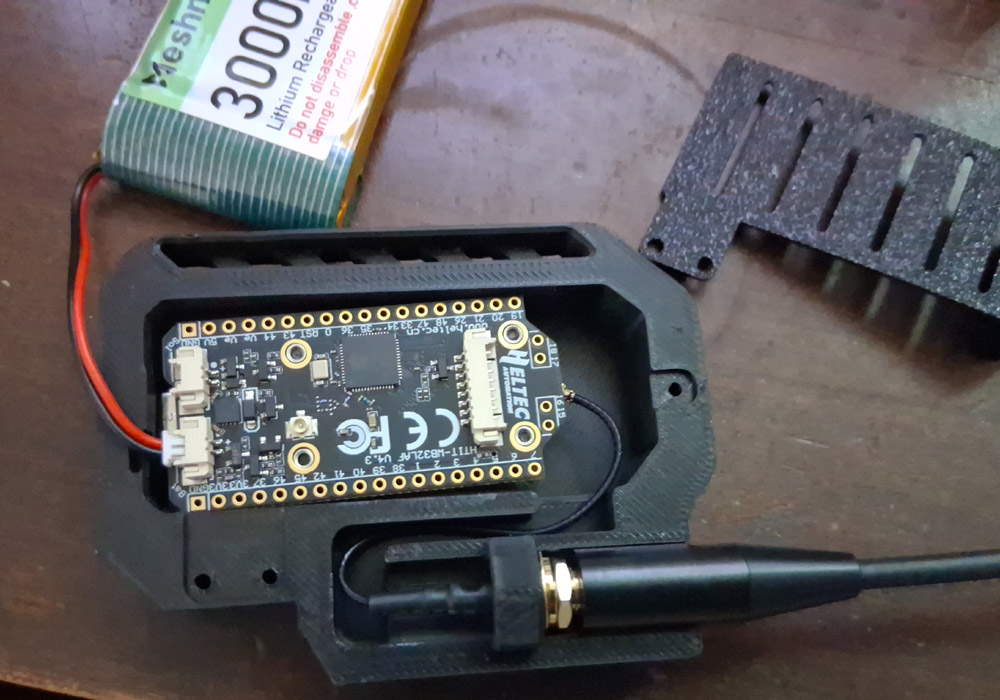
 The new Heltec LoRa32 V4 radio kit came in, and as per usual it came with no instructions. This is odd because there is at least one step you have to do in a particular order or you can fry the CPU on the board, and there’s no warning about it anywhere. Luckily, without instructions you have to dig up some reference as to which antenna plugs into which socket, and there is where you’ll find the warning that you have to fully assemble the antenna and get it plugged in *before* you plug in the battery – and I was lucky enough to see this when assembling the first two radios. It’s an odd omission, though. A bit of paper in the box would probably save them a lot of returns.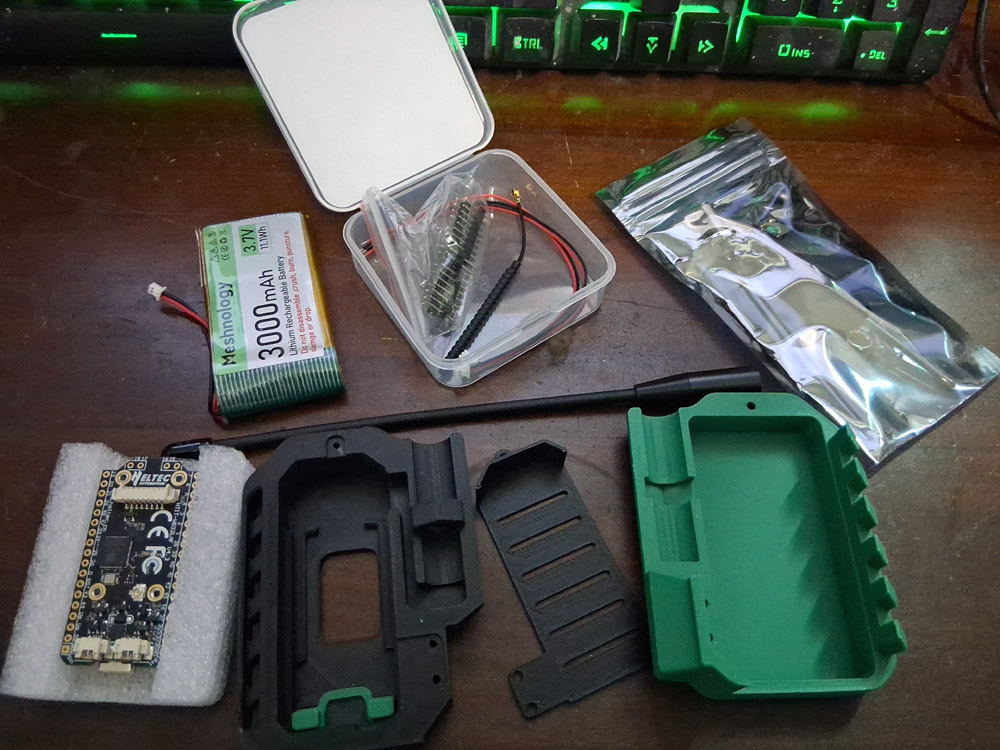
“For decades, we have been trained to trust authorities. We trust a website because a chain of Certificate Authorities (companies we don’t know) vouches for it. We trust an app because it is in an app store (run by a corporation we don’t control). We trust a message because it comes from a phone number assigned by a telecom. Yet, everything in our digital information sphere today is more untrustworthy and risky than a medieval second-hand underwear market.”
– The Zen of Reticulum
Why go to the trouble? Why buy the radio, write the config, and leave the Pi running in the corner?
Because the old, centralized network is fragile. And because most of us doesn’t even really want to be there anymore.
The internet we rely on today is a chain of single points of failure. Cut the undersea cable, and a continent goes dark. Shut down the power grid, and the cloud evaporates. Deprioritize the “wrong” traffic, and the flow of information is strangled.
Sovereignty is the ability to survive the cut, whether or not that cut was an accident or on purpose.
When you build your own infrastructure, you build a lifeline. Reticulum is designed to function over media that the traditional internet cannot touch – bare wires, battery-powered radios, ad-hoc WiFi meshes. When the grid fails, or the censors arrive, or the bill goes unpaid, your Reticulum network continues to hum.
This is not about “dropping out” of society. It is about building a substrate on which an actual Society can function.
– The Zen of Reticulum
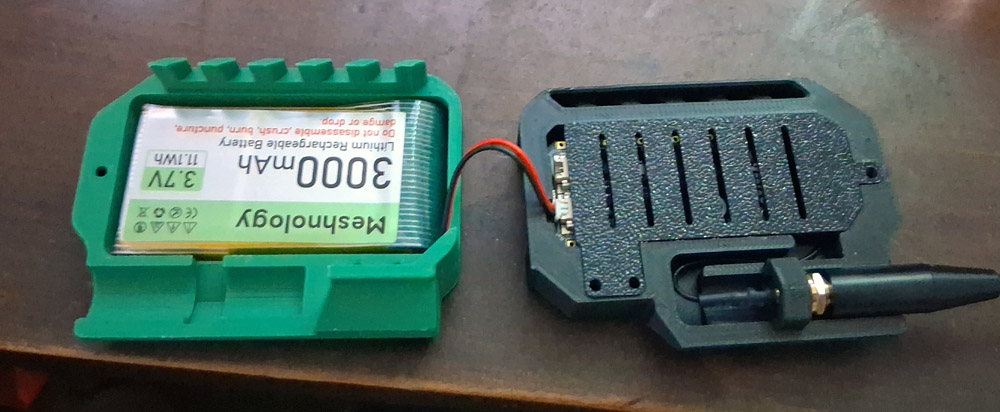
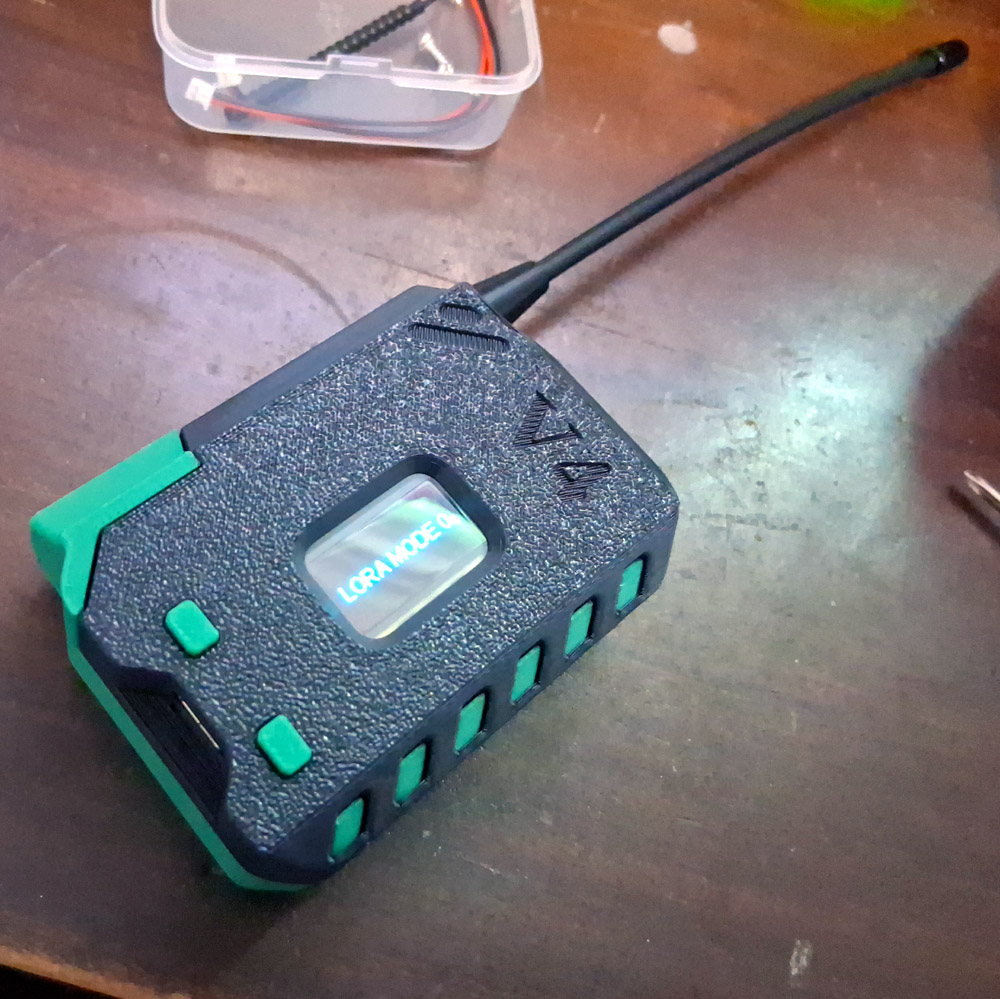
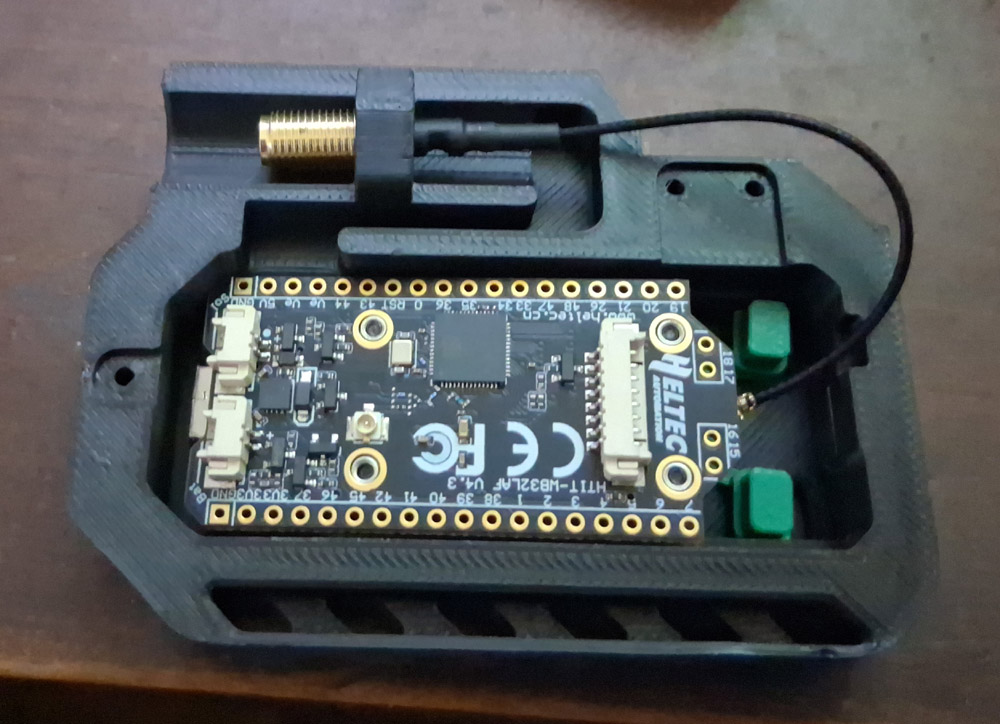
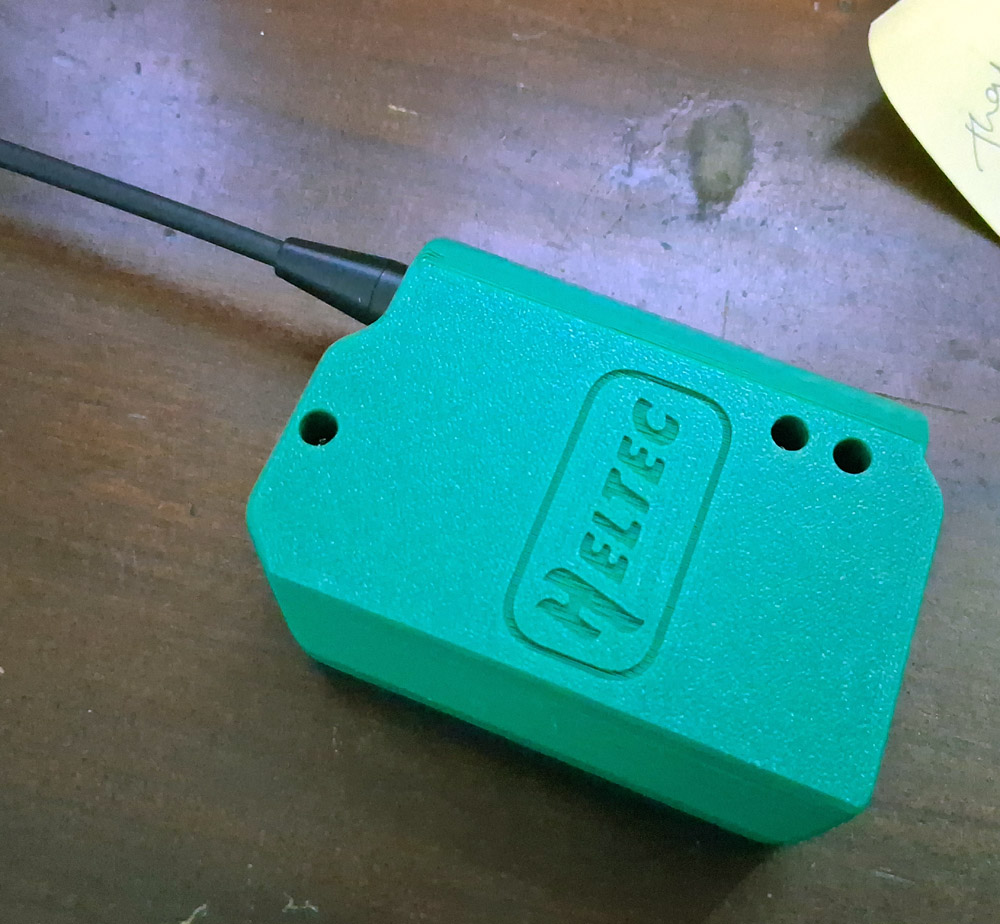 This “3 screws in odd places holding it together” doesn’t seem well thought out. all that pressure on the lower right side and a pivot point at the top means that the thing creaks all the time when you grasp it, pivoting between having a gap on the upper right or lower left. One extra screw hole would’a fixed that.
 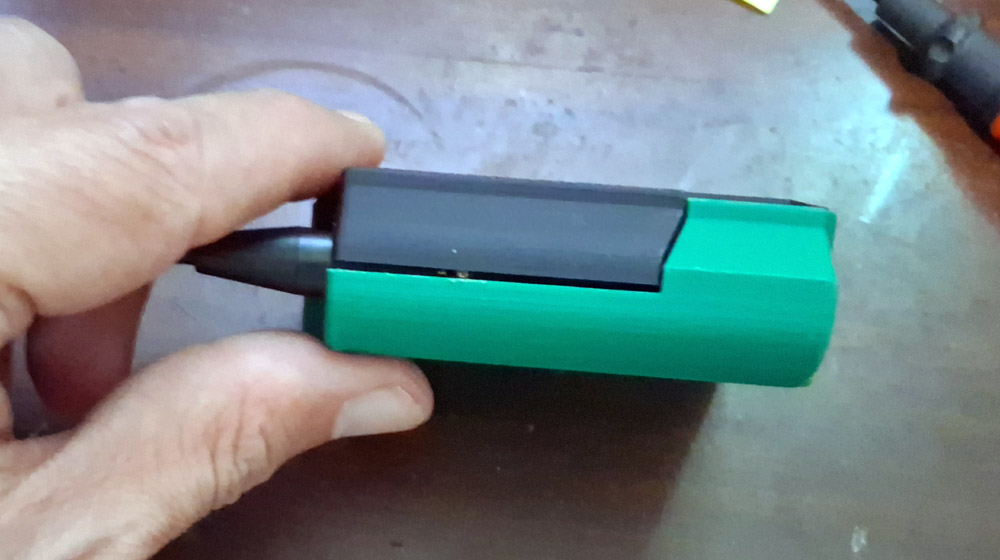 It’s an easy 10 minute assembly, though. Hardest part is plugging the tiny plugs into minuscule sockets with fat, fumbly fingers. Flashing the rNode firmware to the radio was also a breeze with the rNode flashing tool – even easier than getting the Meshtastic firmware installed. Setting it up as an access point was just as easy, just adding an interface reference to the config file for Reticulum:
[[RNode LoRa Interface]]
type = RNodeInterface
# enable if you have an rNode
enabled = yes
port = /dev/ttyACM0
frequency = 915000000
bandwidth = 125000
txpower = 17
spreadingfactor = 8
codingrate = 5
flow_control = False
Then restarting the laptop. Came right up and checked out fine. The only difficulty was figuring out what Reticulum wanted for the frequency and other settings I didn’t understand. The defaults you see in examples are mostly for UK radios in a different spectrum, so I needed to dig up the proper frequencies for US usage. There are some tweaks you can do to those settings for special purposes, but I went with the defaults recommended. 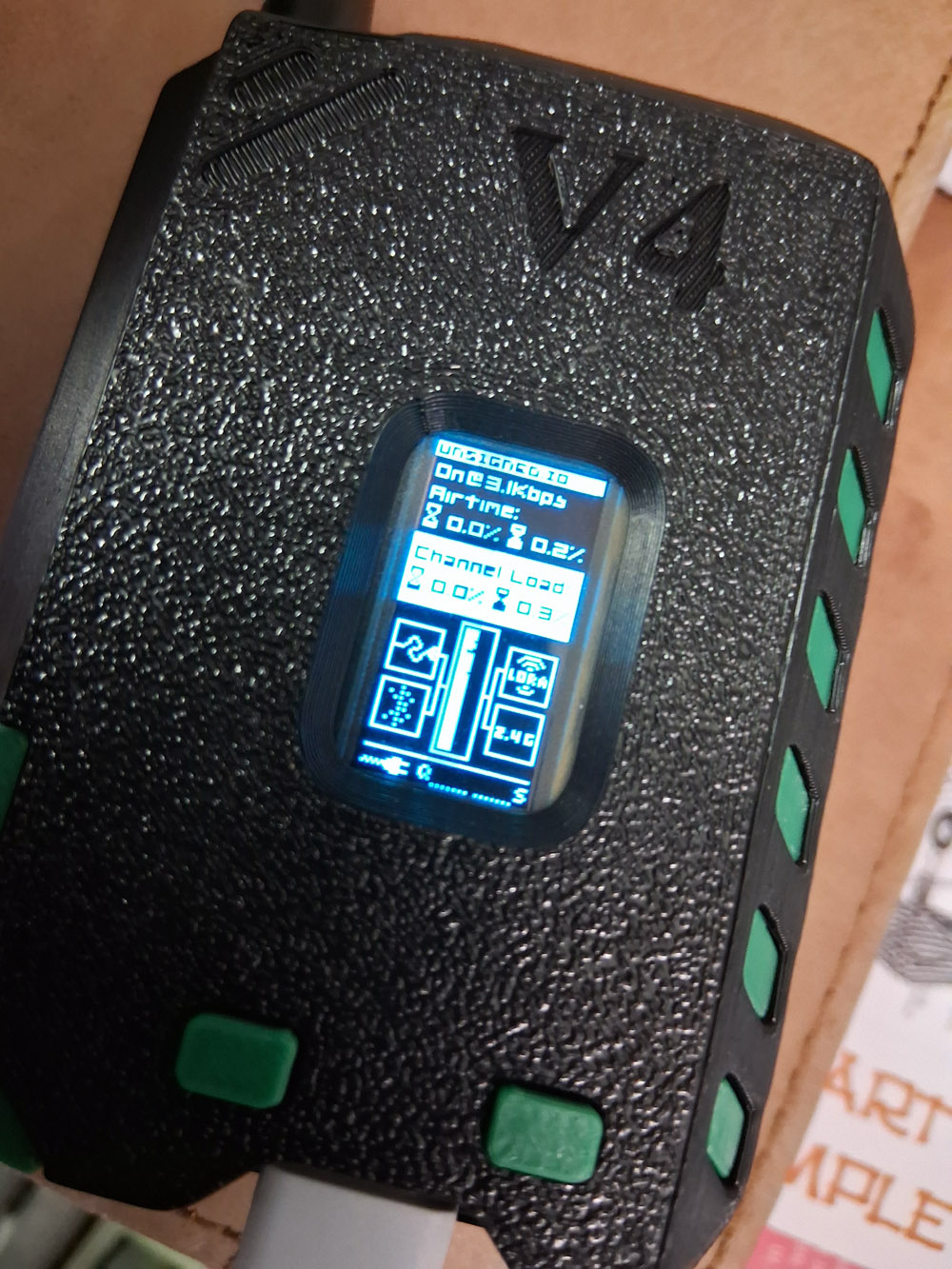
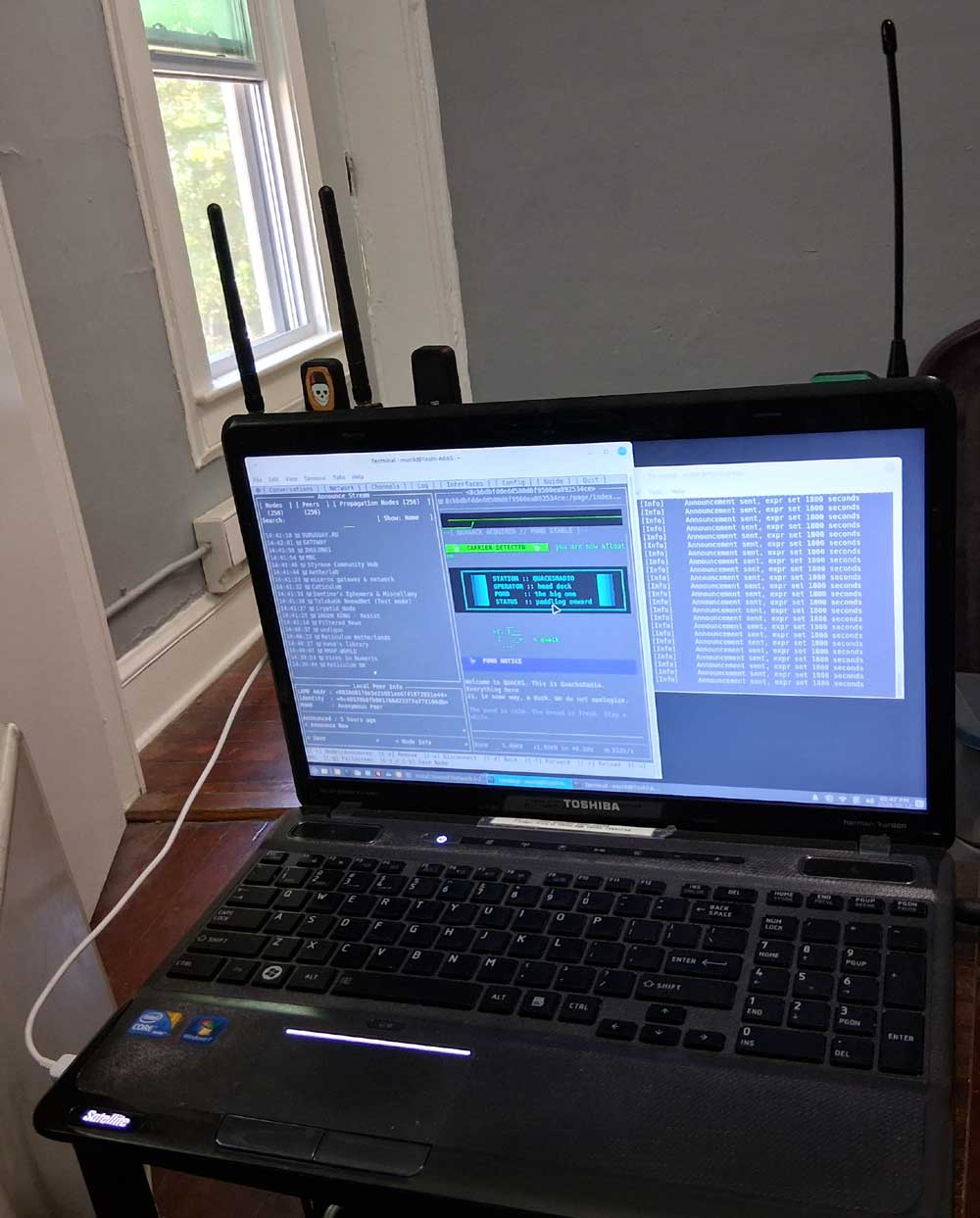
And, now that I have everything running on Toshi, which has an awful, low resolution screen – I’ve seen that much of my design for the sites tended to break lines at such low resolution when viewed in Nomad Navigator. I’ve been designing for fluid-layout mobile screens for so long that I forgot the basic rule of monospaced fixed-width layout: design for the schmuck running a Walmart laptop in 1280 x 720, So I redid everything! :D
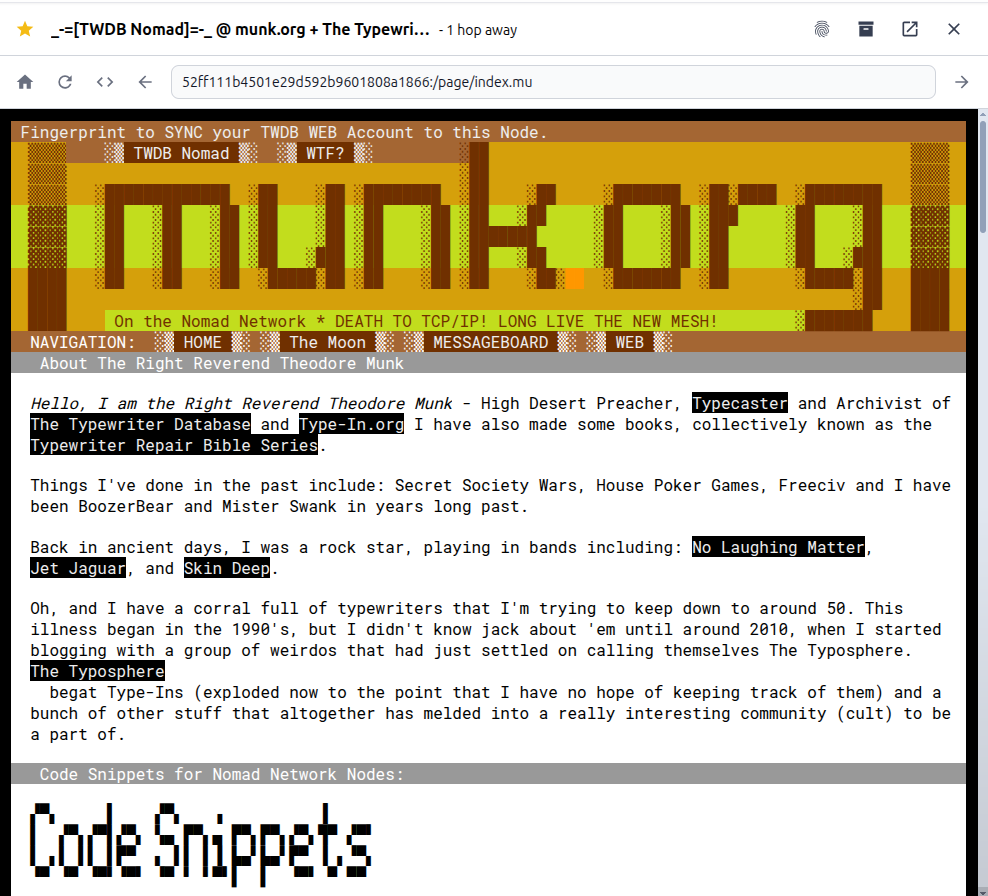
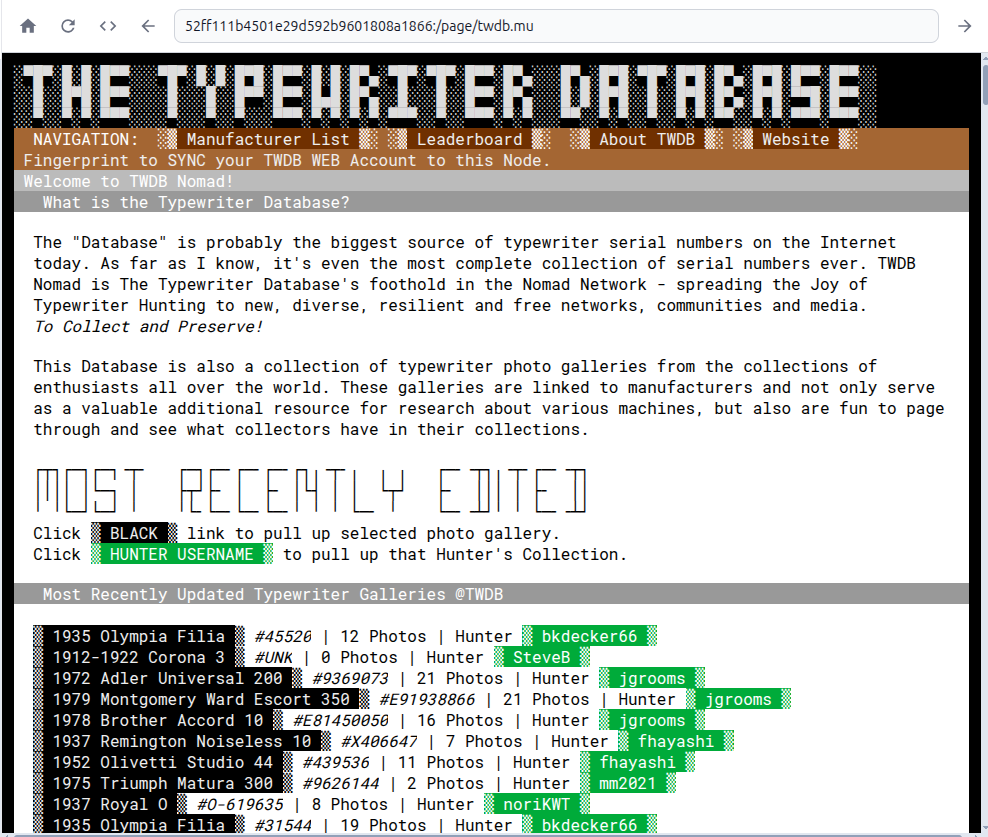 Also added a Leaderboard, because epenis is very motivating:
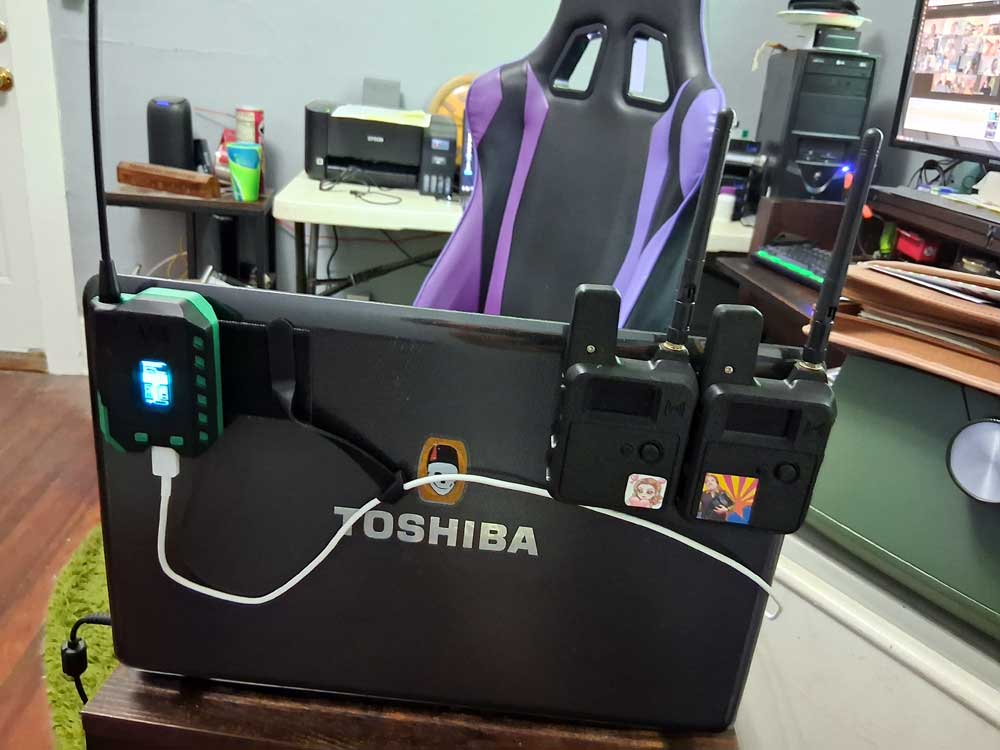
 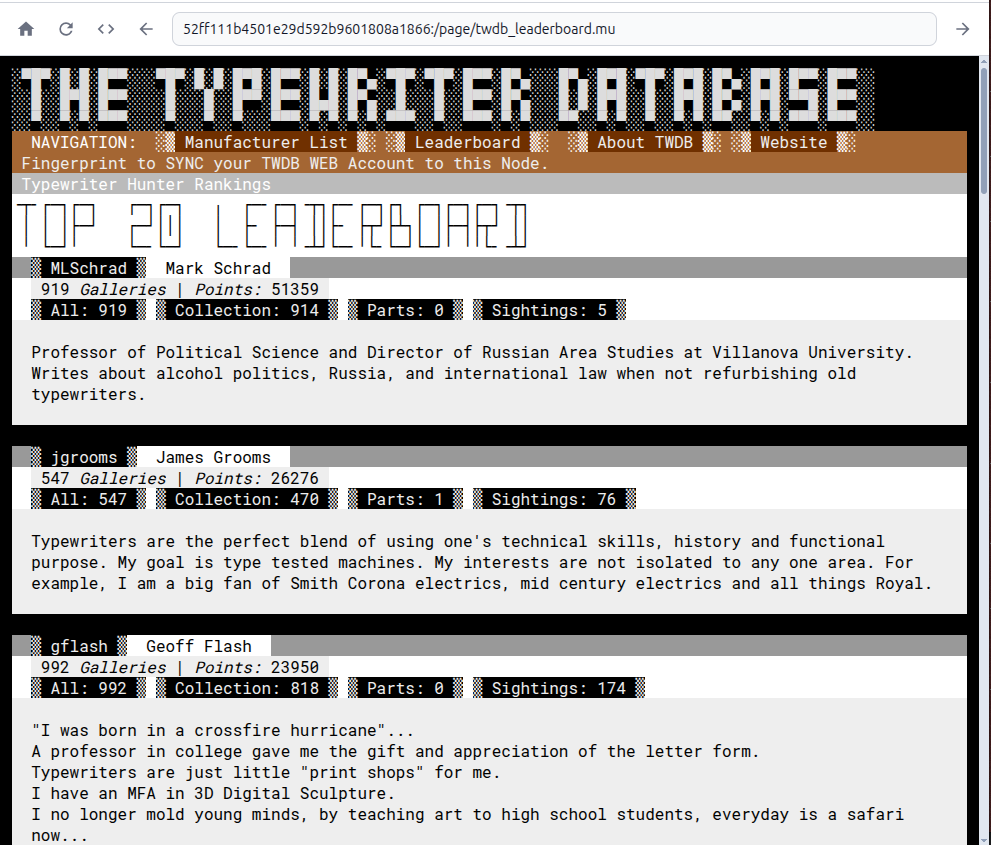 So now that’s Toshi Station, a 12 year old laptop running a Nomad Network node server with an increasingly expanding onion of access bubbles over the air. Starting with the Internet when it’s around, and falling back to LoRa when it’s not. I’m pretty sure I can expand that by tasking an old WiFi router as a 2.4ghz and 5ghz access node to cover higher speeds at shorter ranges. Adding the WiMAX frequency to the mix is iffy, though. I’m not sure I can get the internal radio to act as a router, documentation for WiMAX standards and hardware is.. nonexistent, pretty much.
 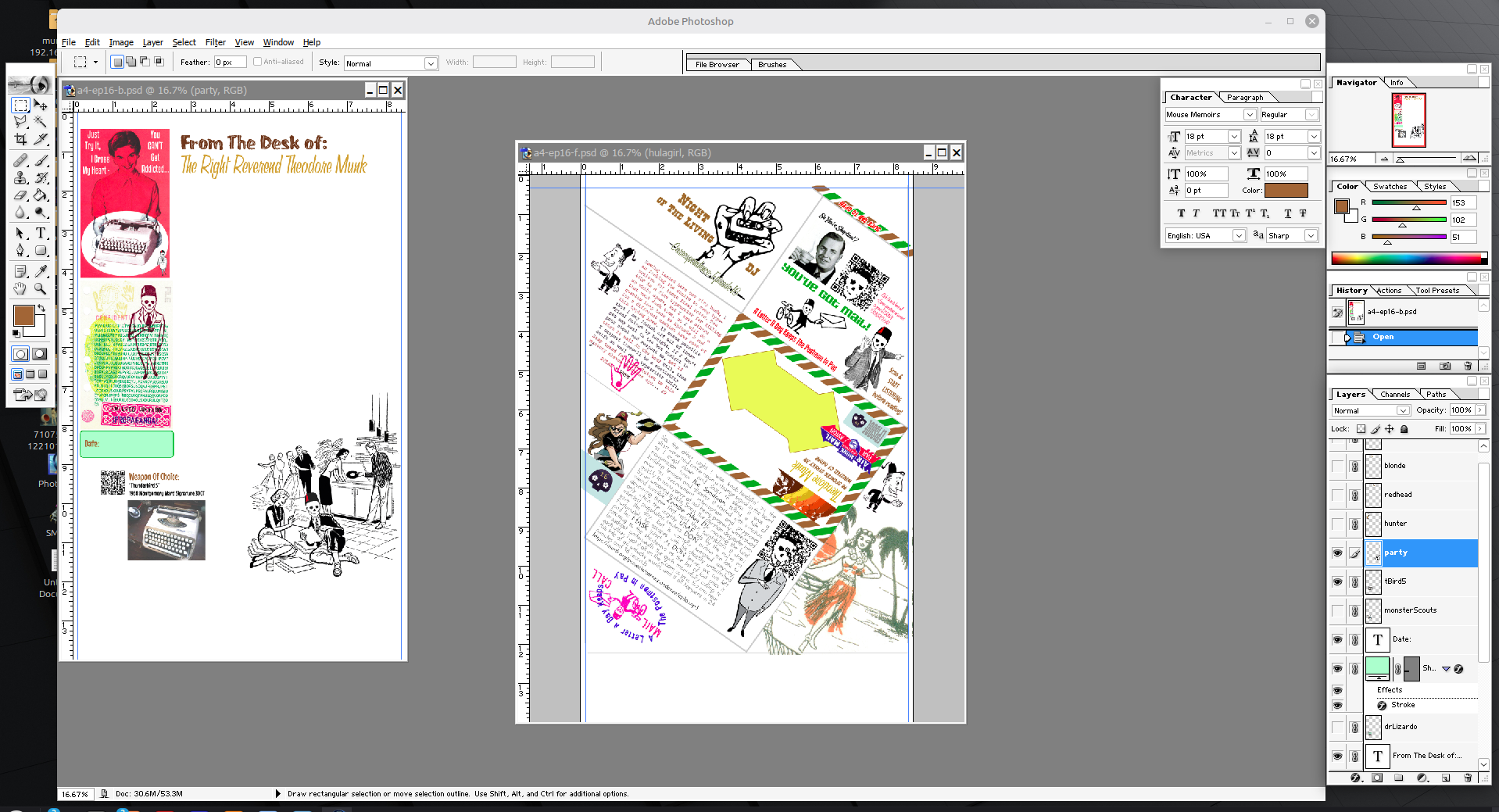 And I redesigned Episode 16 of Correspondence along the format of a PigeonPost Aerogramme that was just sent to me by Correspondent EJT – the design is meant to be printed on an 8.5×14″ sheet, cut down to A4 and folded into a very cool little Aerogramme with lots of fun reveal panels as you open it. I was not able to obtain A4 paper in the type that I wanted here in the US, so I came up with the hack of printing the design onto US Legal size paper since it is larger than A4 in all dimensions. Wastes a little bit of paper, but has the added bonus of allowing full bleed printing all 4 edges!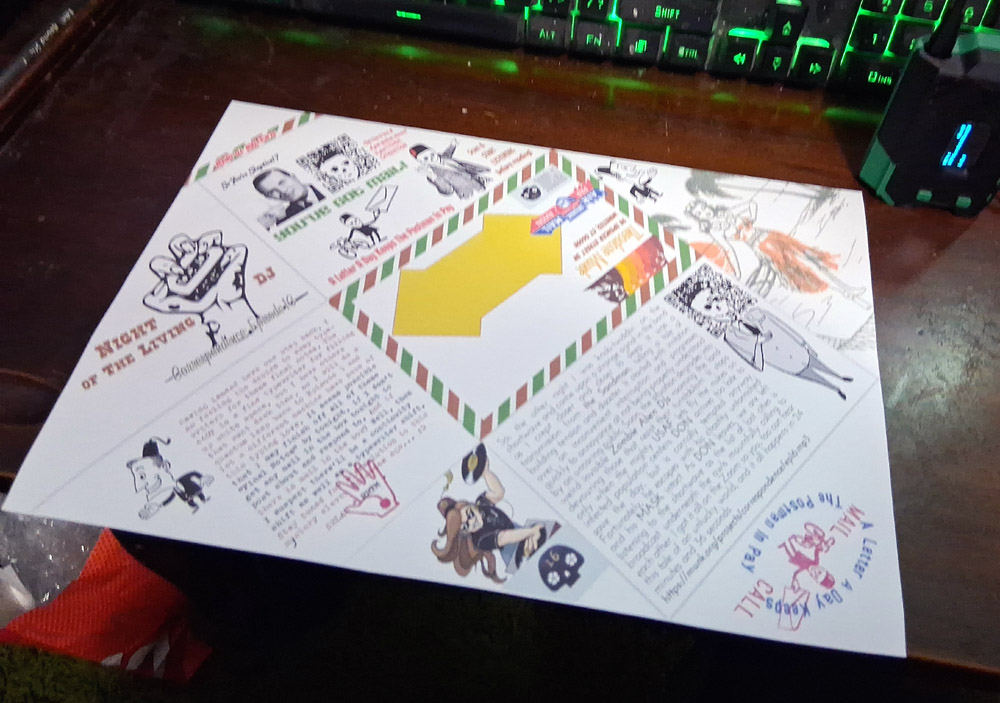
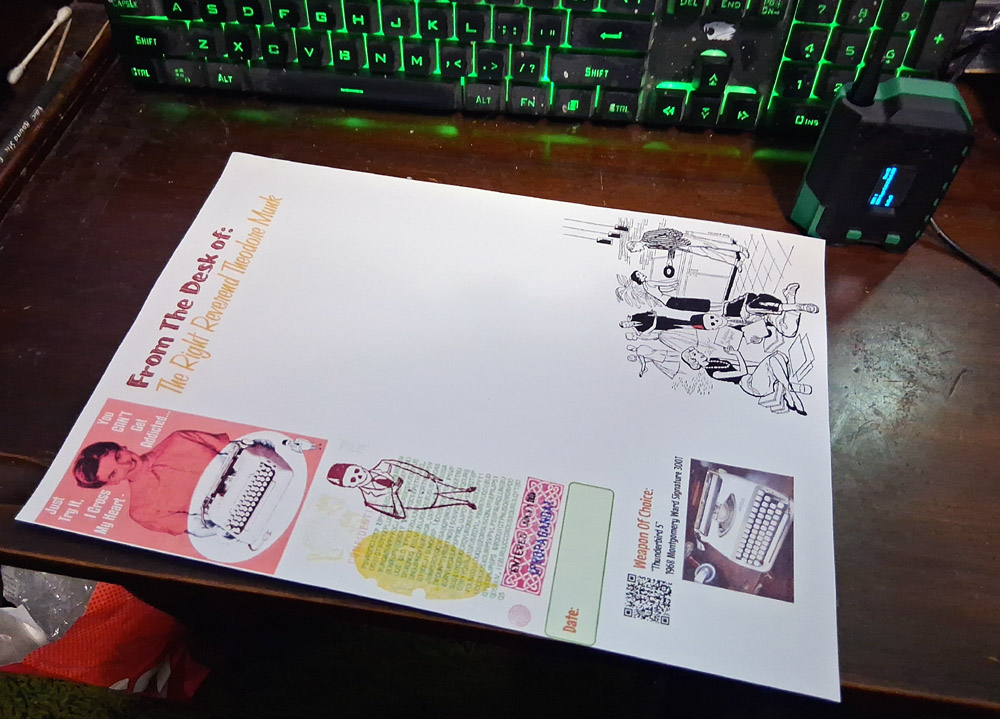 Also, yes, that is Photoshop 7, a version that’s now just shy of a quarter-century old. I’ve been using it since I bought it in 2002, and I find ways to make it run on every computer/operating system I have ever used since then. For a 32-bit Windows program, it’s surprisingly easy. I got off the Photoshop upgrade train and missed the whole Adobe/Pantone rugpull subscription model long before it even happened. I am firmly of the opinion that there has never been an actual feature improvement on Photoshop since version 7, and every version past that has been increasingly bloated full of useless crap and subscription traps. It’ll be the one Windows program that you’ll have to pry the install CD from my cold, dead hands to get away from me. That’s my reaction to companies enshittifying their products and services – I just keep using the one that works the way I want, and you lose a customer. I dunno why that’s not a more common reaction. Instead the sheeple surrender to the product obsolescence treadmill and wonder why it all gets worse. It’s all related to that drug dealer analogy somehow…
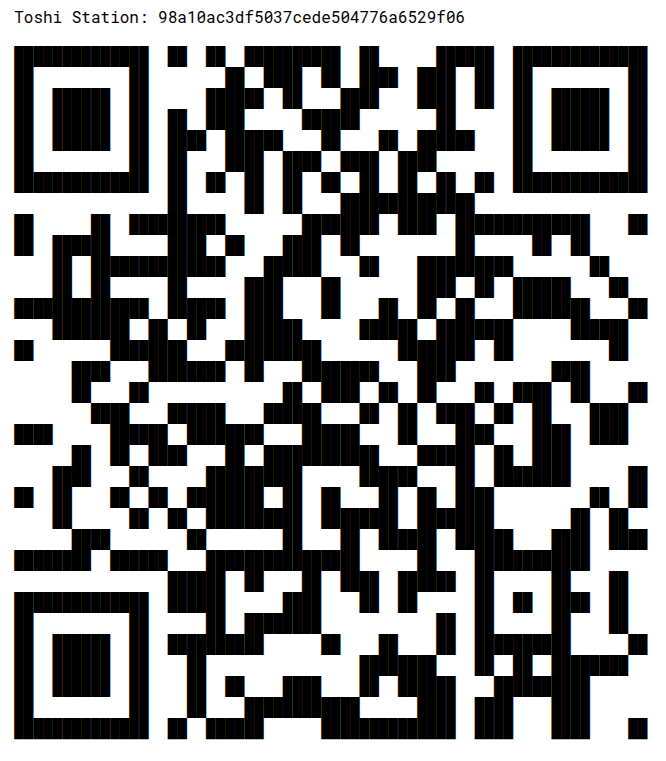
What are you waiting for? Let’s wrest control of our network access and online content away from weird, nasty billionaires. You wouldn’t invite them to a party, so why let them control your content and communities? Break free:
52ff111b4501e29d592b9601808a1866
 Needs MOAR STICKERS!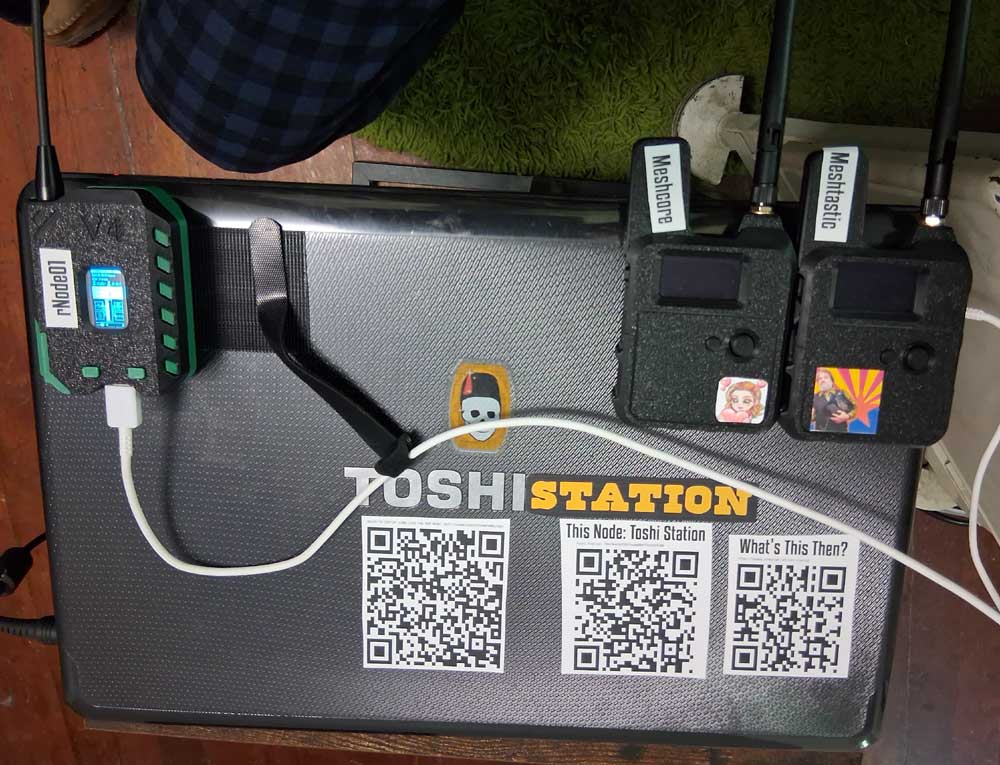
I’ve got to get some of those radios. I have some early versions in storage, but the prices are like buying Baofeng 2 meter gear: cheap.
It’ll be a late summer early autumn project. Too many irons in the fire for June.
Yeah, even the new Heltec V4 is only like $45, and it’s dual-band, 915mHz + 2.4gHz, supposedly if the radios are close enough, they can pump packets through both pipes for more throughput. Even a V2 can run rNode though, pretty sure.
Wow, I really resonate with your comments about the subscription model for commonly used programs! They’re as preposterous as they are annoying—and frequently pop up while I’m trying to get something done. Imagine a toaster that became obsolescent in 5 years or so! And then you have to subscribe to the toaster program — or it won’t toast any more. Sigh. I miss the days when we purchased programs — and could use them indefinitely thereafter.
Yuh, I just had to laugh when Pantone went to a subscription model (FOR COLORS!) and every designer in the world had the colors in their old files turned to black unless they got on the subscription train. Mine were just fine, hard-coded in the older file format that Adobe and Pantone had no control over.
I’ve poked around with LoRa in ham mode. It was fun, but lonely. It took me down the 44Net and I have a handful of IPv4 addresses that let me do some grownup TCP/IP stuff. If you have the time to get a license, ham radio has some exciting digital modes to play with…